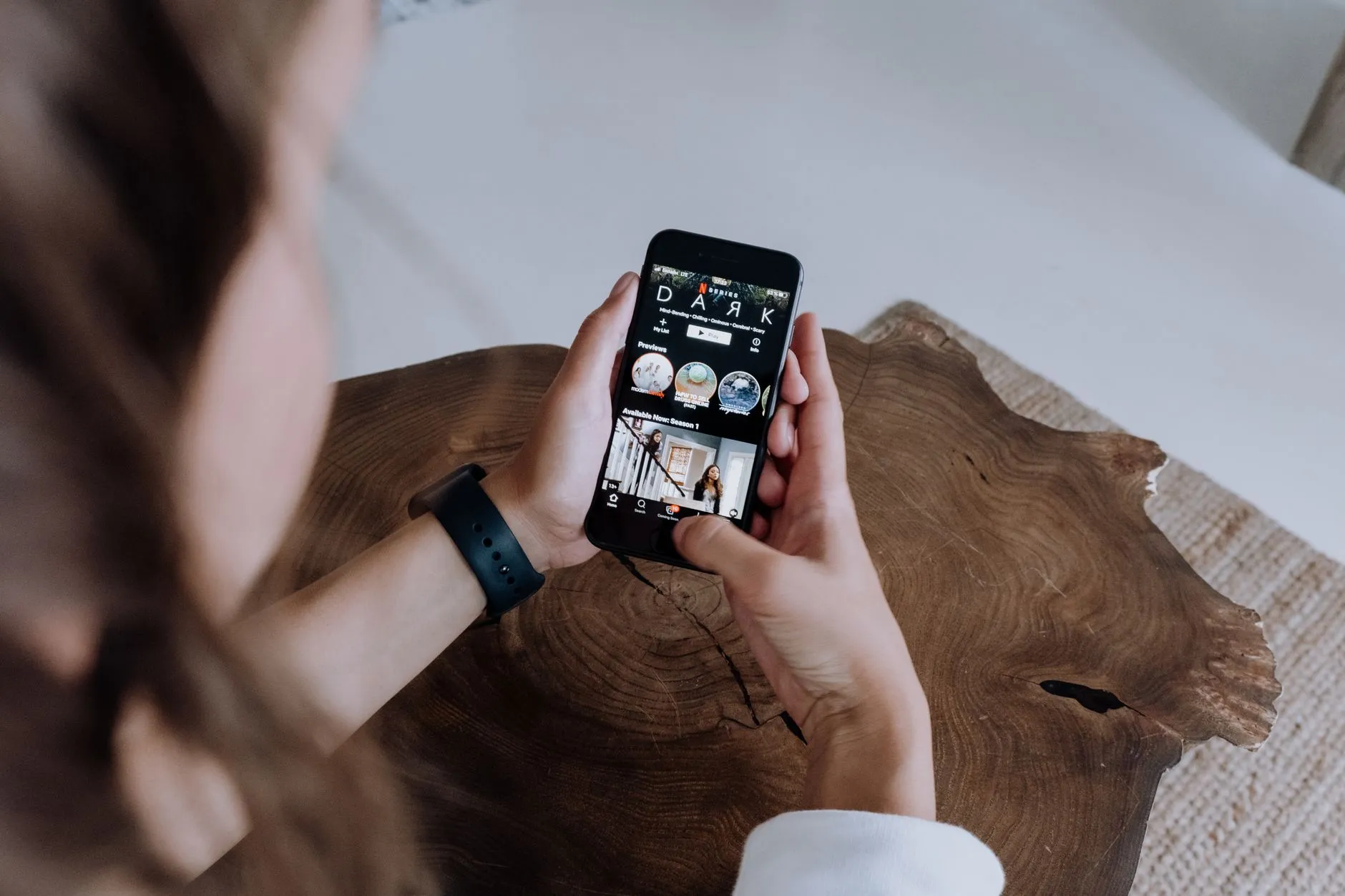
How to Download and Set Up a Short Drama App for the First Time
New to short dramas? Learn how to download ReelShort, DramaBox, GoodShort or ShortMax, create an account, and start watching free episodes today.

Short dramas are one of the fastest-growing formats in mobile entertainment, and getting started is genuinely easy. Whether you have heard about them from a friend or spotted a clip on social media, this guide walks you through everything — from finding the right app to watching your first episode — without spending a single dollar unless you choose to.
Which App Should You Download First?
There are four major short drama apps available in the United States right now: ReelShort, DramaBox, GoodShort, and ShortMax. All four are free to download and each has a slightly different flavour.
- ReelShort is one of the most widely recognised names and leans heavily into romance, werewolf fantasy, and billionaire drama. If you want a broad library with polished production, this is a solid first choice.
- DramaBox tends to offer a wide variety of genres including revenge thrillers, family conflict, and office romance. It is a good pick if you want to explore several different styles before committing to one.
- GoodShort has a clean interface and regularly rotates which episodes are available to watch for free, making it friendly for cautious newcomers.
- ShortMax covers similar genre ground and is worth keeping installed alongside one of the others, since some series are exclusive to a single platform.
You are not locked in. Installing more than one app costs nothing, and each one lets you browse and watch free episodes independently. Many regular viewers keep two or three installed at once.
How to Download and Install the App
On an iPhone or iPad
- Open the App Store on your device.
- Tap the search bar and type the name of the app you want — for example, ReelShort or DramaBox.
- Tap the app in the results to open its listing, then tap Get.
- Authenticate with Face ID, Touch ID, or your Apple ID password if prompted.
- The app installs automatically. Tap Open when it finishes.
On an Android Phone or Tablet
- Open the Google Play Store.
- Search for the app name and tap its listing in the results.
- Tap Install. No payment information is needed at this stage.
- Once installed, tap Open to launch it.
A safety note: Only download these apps from the official App Store or Google Play. Any website offering a separate download file — sometimes called an APK — or asking you to pay an outside fee to unlock content is not the official app. The real apps are always free to install, and any coin purchases happen inside the app itself through Apple or Google's standard payment system.

Creating Your Account
When you open a short drama app for the first time, you will usually be shown a brief intro or taken straight to a browse screen. You can often scroll and watch a few episodes without an account, but creating one takes less than two minutes and is worth doing for three reasons: your progress is saved, your watchlist syncs if you switch devices, and you may receive a welcome bonus of free coins.
Sign-Up Options
Most apps offer at least two quick sign-up methods:
- Sign in with Apple or Google — tap once, confirm with biometrics or your password, and you are done. No form to fill in.
- Email and password — enter an address, choose a password, and verify your email if the app asks. This takes about ninety seconds.
You will not be asked for payment details during sign-up. Any payment information is only required if and when you decide to buy coins later.
Finding Your First Series to Watch
Once you are inside the app, the home screen shows featured series and genre categories. If you are new to the format, browsing by genre is the fastest way to find something you will enjoy. Common categories include romance, revenge, fantasy, thriller, and family drama.
Each series listing shows how many episodes it has. Tap a series title to open its detail page, where you can see a short description and the episode list. Episodes marked as free can be watched immediately. Episodes that require coins are usually marked with a coin icon or a lock symbol.
A good strategy for first-time viewers is to start a series, watch the free opening episodes, and decide whether you want to continue before buying any coins. If the story hooks you — and the one-minute cliffhanger format is designed specifically to do that — you can earn additional coins by watching a short rewarded ad inside the app, or purchase a coin bundle through the app's standard store. If the series does not grab you, move on and try another. You are never charged without making a deliberate choice to spend.
For genre ideas, check out our guide to the best enemies-to-lovers short drama series or browse the best supernatural short drama series if fantasy is more your style.
Understanding the Free-Episode Model
Short drama apps are not subscription services in the traditional sense. The opening episodes of most series — sometimes several in a row — are available at no cost. This is intentional: the format relies on hooks, cliffhangers, and fast pacing to pull you in quickly, so the creators want you to sample freely.
Later episodes in a series unlock using coins, which is the in-app currency. You can acquire coins in two ways:
- Rewarded ads: Watch a short video advertisement inside the app and receive a small number of coins at no charge. This is the same model used in popular mobile games.
- Coin purchases: Buy a bundle of coins through the App Store or Google Play billing system. The transaction goes through Apple or Google, not through any external website.
Some apps also offer a daily free episode or a limited-time unlock on featured series. These rotate, so it is worth checking the app's homepage each day. For a deeper look at how this system works, see our full breakdown of how the coin system works on short drama apps.
Tips for Getting the Most Out of Your First Session
Use Wi-Fi When Possible
Short drama episodes are vertical video files streamed in high quality. On a strong Wi-Fi connection they load instantly and look crisp. On a slower mobile data connection you may notice brief buffering. If you plan to watch on the go, check whether the app has a download or offline mode — some do, which lets you queue up episodes while connected and watch them later without using data.
Turn On Notifications Selectively
Apps will ask to send you notifications. These can be useful for alerts about new episodes of a series you are following or daily free coin offers, but they can also become noisy. Consider allowing notifications initially and adjusting your settings once you know which series you are actively watching.
Try More Than One Genre
The short drama format works remarkably well across genres. Romance dominates, but revenge thrillers, mafia and crime series, and billionaire romance all have strong followings. Spending your first few free sessions across two or three genres will help you work out where your taste actually lands.
What to Do If You Run Into Problems
If an episode will not load, the first step is always to close and reopen the app. If the problem continues, check your internet connection and then check whether an app update is available in the App Store or Google Play — updates often fix playback bugs.
If you see a charge on your bank statement that you did not expect, the purchase will appear under Apple or Google's name, not the app's. Contact Apple or Google support directly through their official websites to query any unfamiliar charge. Do not share your payment details with anyone claiming to be the app's support team through a link sent via text or email — the legitimate apps do not operate that way.
You Are Ready to Watch
Getting started with short dramas requires nothing more than a phone, a few minutes to install and sign up, and a willingness to let a one-minute episode pull you in. The free content alone is enough to get a genuine feel for the format before you spend anything. Download one app, pick a series that sounds interesting, and see whether the cliffhanger at the end of episode one does its job — it almost certainly will.

Maya Reyes
Covers the short-drama catalogs week by week — what is trending on ReelShort and DramaBox, and which series are worth an evening.