How to Watch Short Dramas on Your PC Without Losing Any Features
Want to watch ReelShort, DramaBox, GoodShort or ShortMax on a bigger screen? Here is exactly how to do it on any PC, step by step.
Why Watch Short Dramas on a PC?
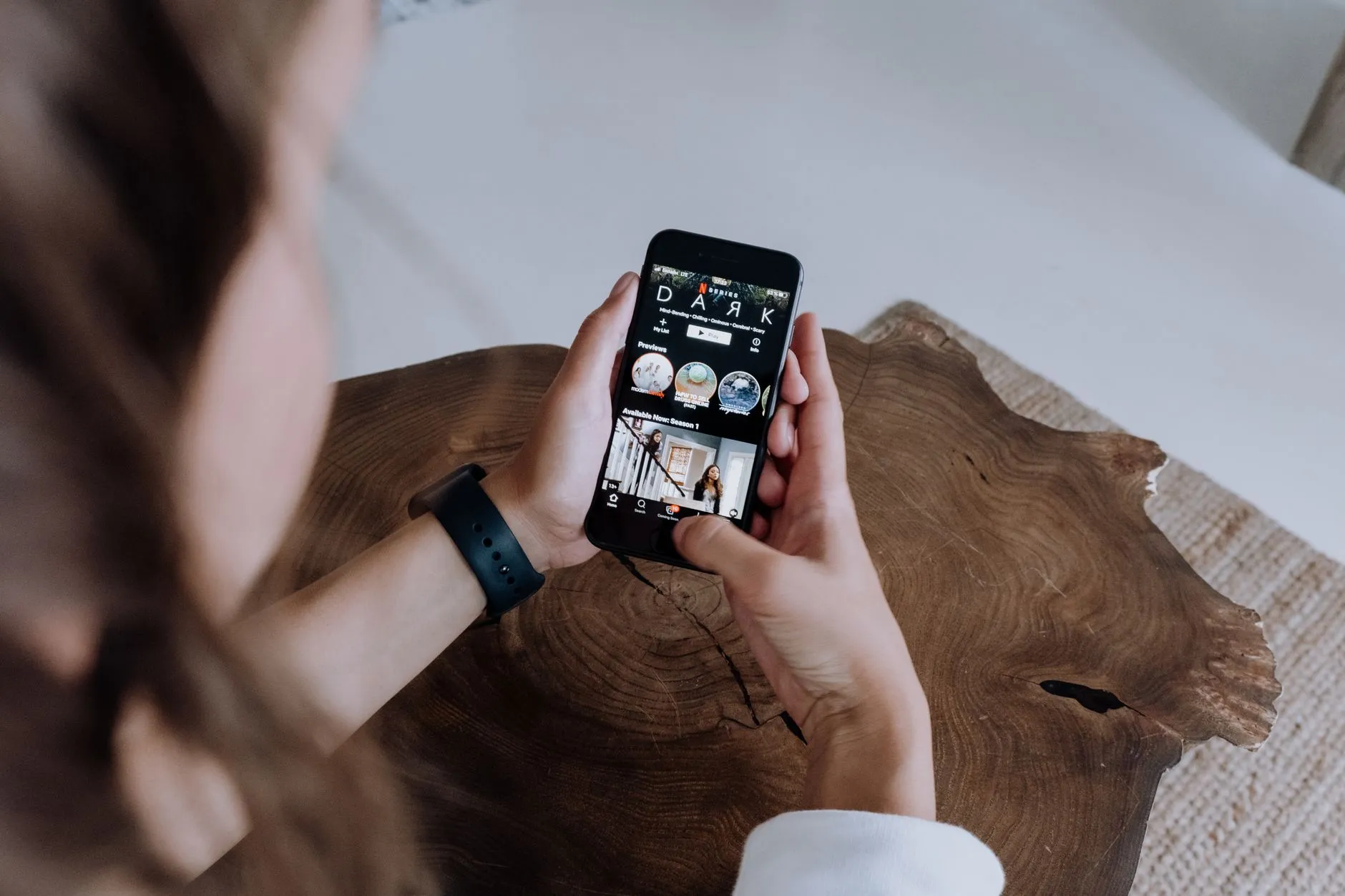
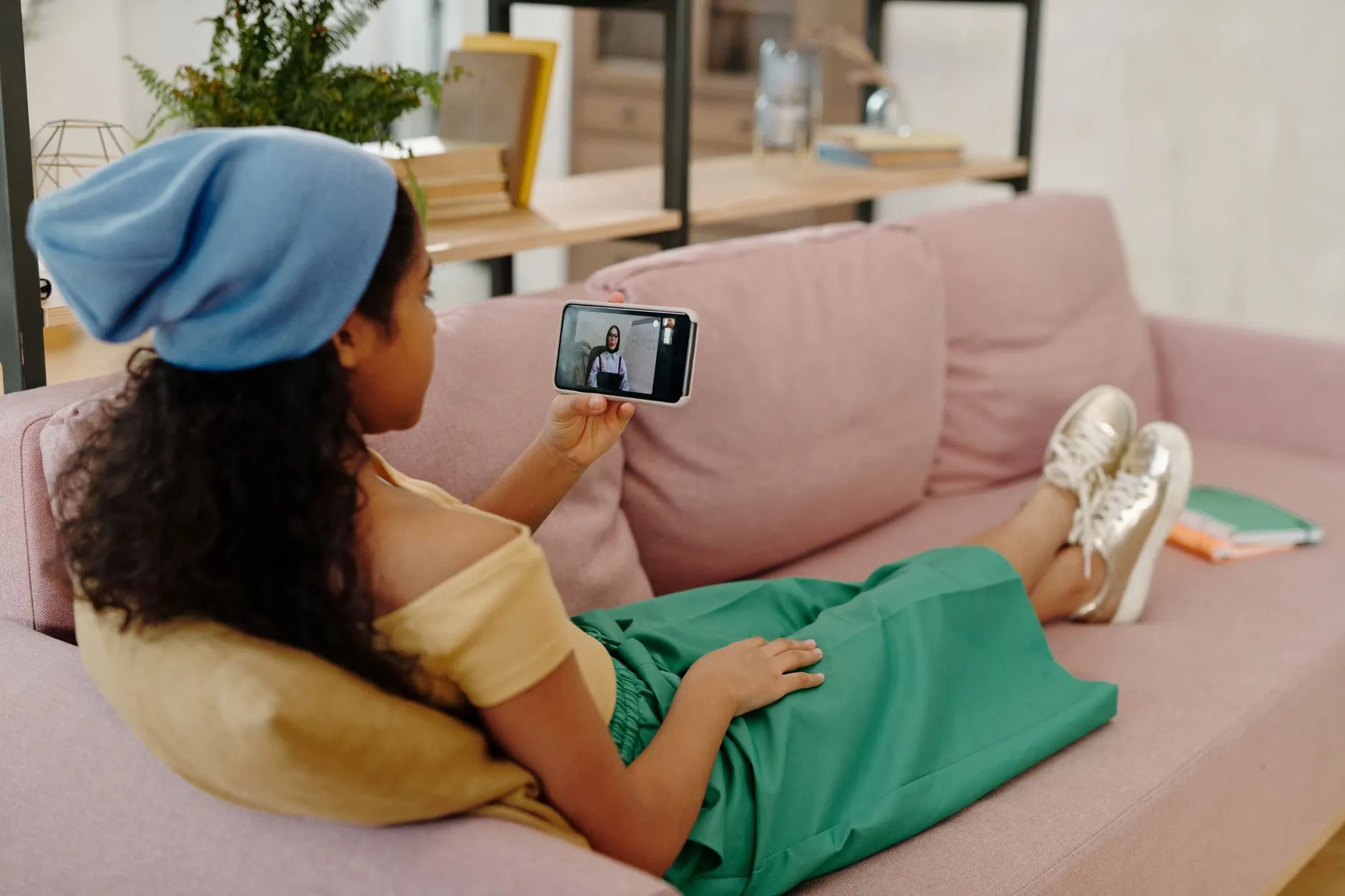
Short dramas are built for the phone. The episodes are vertical, roughly one minute each, and designed to be swiped through on a small screen during a commute or a lunch break. So why would anyone want to watch on a PC?
A few very good reasons. A bigger monitor makes subtitles easier to read, especially for dubbed or translated series. A keyboard and mouse make it simpler to manage your coin balance, browse genres, and switch between series. And if you spend most of your day at a desk, it is just more convenient to open a browser tab than to pick up your phone every time a new episode drops.
The good news is that every major short-drama platform — ReelShort, DramaBox, GoodShort, and ShortMax — is accessible from a PC right now, either through a web browser or through an Android emulator. This guide walks you through both methods so you can choose what works best for you.
Method One: Use the Browser Version
The simplest way to watch short dramas on a PC is to open your browser and go directly to the platform's website. You do not need to install anything.
ReelShort on PC
ReelShort has a fully functional web player. Go to the ReelShort website, create a free account or log in with an existing one, and you can start watching immediately. The free opening episodes of most series are available right away. When you reach a locked episode, the coin purchase screen appears the same way it does on mobile. If you already have coins from your phone account, they carry over automatically.
DramaBox on PC
DramaBox also offers a web version. The library is large and browsable by genre, so it is actually easier to explore on a wide screen than on a phone. Log in with your existing DramaBox account and your progress — which episodes you have already unlocked — follows you from mobile to desktop seamlessly.
GoodShort on PC
GoodShort's web presence is functional and clean. The vertical video player is centered on the screen, which looks a little unusual on a widescreen monitor, but the content plays smoothly and the episode navigation works without issues.
ShortMax on PC
ShortMax has a web player as well. Like the others, it keeps your account data in sync, so anything you unlocked on your phone is already waiting for you when you log in from a browser.
One thing to be aware of with browser versions: rewarded ads — the short advertisements you can watch to earn free coins — may not be available in every browser on every platform. If earning coins through ads is part of your strategy, the emulator method below is more reliable for that.
Learn how coins and rewarded ads work across all four apps
Method Two: Use an Android Emulator
An Android emulator is software that runs the Android operating system inside a window on your PC. You can then install apps from the Google Play Store just as you would on a phone. This gives you the complete mobile app experience — including rewarded ads — on your computer.
Setting Up BlueStacks
BlueStacks is the most widely used Android emulator for Windows and is also available for macOS. It is free to download from the official BlueStacks website. Here is the basic process:
- Download and install BlueStacks from its official site. The installation takes a few minutes and requires a restart on some machines.
- Open BlueStacks and sign in with a Google account. This gives you access to the Google Play Store inside the emulator.
- Search for ReelShort, DramaBox, GoodShort, or ShortMax in the Play Store and install whichever apps you want.
- Open the app, log in with your existing account, and watch exactly as you would on a phone — vertical video, coin system, rewarded ads and all.
The vertical video will appear in a portrait-orientation window. You can resize it or leave it as is. The experience is very close to the phone version, and rewarded ads generally work correctly inside the emulator, which means you can earn free coins the same way mobile users do.
Other Emulators Worth Knowing
If BlueStacks does not suit you, LDPlayer and NoxPlayer are two other well-regarded free options that work on a similar principle. The setup steps are nearly identical. Any of these will let you run the short-drama apps in their native form on a PC.
A word of caution: only download emulators from their official websites. There are unofficial sites that bundle unwanted software with the installer. Stick to the source.
Syncing Your Account Across Devices
One of the most practical things about these platforms is that your account travels with you. Coins you buy or earn on your phone are available on your PC, and episodes you unlock on your PC are ready on your phone. All four apps — ReelShort, DramaBox, GoodShort, and ShortMax — use account-based sync, so as long as you are logged in with the same credentials, your progress is never lost.
This means you can start a series on your phone during a commute and pick it up on your PC when you get home, right where you left off. It also means you can earn coins through rewarded ads on the emulator and spend them later on your phone, or vice versa.
Compare all four apps to find the one that suits your genre preferencesA Note on Safety
Because short dramas are popular and the coin model is well known, there are scam sites that imitate the look of real apps and ask for payment outside the official platform. The legitimate apps — ReelShort, DramaBox, GoodShort, and ShortMax — handle all coin purchases inside the app or on their own official websites, through standard payment methods like credit cards and PayPal. No real short-drama platform will ever ask you to pay via bank transfer, gift card, or a third-party site you found through a search result. If you see that, it is not the app.
When downloading from the web, go directly to the platform's official address. When installing an emulator, use the developer's own site. That is the entire safety checklist — simple and straightforward.

Which Method Should You Choose?
If you just want to dip into a series without installing anything, the browser method is perfect. It takes about thirty seconds to get started and the experience is solid on any modern browser.
If you watch regularly, want reliable access to rewarded ads, and prefer the full app interface, setting up an emulator is worth the twenty minutes of one-time setup. After that, it behaves exactly like your phone, just on a bigger screen.
Either way, you are not giving up any content. The same series, the same coin system, and the same free opening episodes are available however you choose to access these platforms. Short dramas work just fine beyond the phone screen — you just have to know where to look.
New to the format? Read our full explainer on what short dramas are and how they work
Sofia Klein
Writes about genres — romance, revenge, werewolf and workplace drama — and how the same story beats travel across platforms.