How to Watch Short Dramas on Your PC: A Complete Guide
Want to watch ReelShort, DramaBox, GoodShort or ShortMax on a big screen? Here is exactly how to get short dramas running on your PC today.
Why Watch Short Dramas on a PC?
Short dramas — the one-minute vertical episodes streamed by apps like ReelShort, DramaBox, GoodShort and ShortMax — are built for phones. The portrait format fills a phone screen perfectly, and the cliffhanger-every-scene pacing is designed for a commute or a lunch break. So why would anyone want to watch on a PC?
Plenty of reasons. A larger monitor makes subtitles easier to read. Some viewers prefer keeping their phone free while they watch. Others simply spend most of their day at a desk and want to catch up on a series without picking up a second device. Whatever your reason, getting short dramas onto your computer screen is completely doable — and this guide walks you through every method available right now.
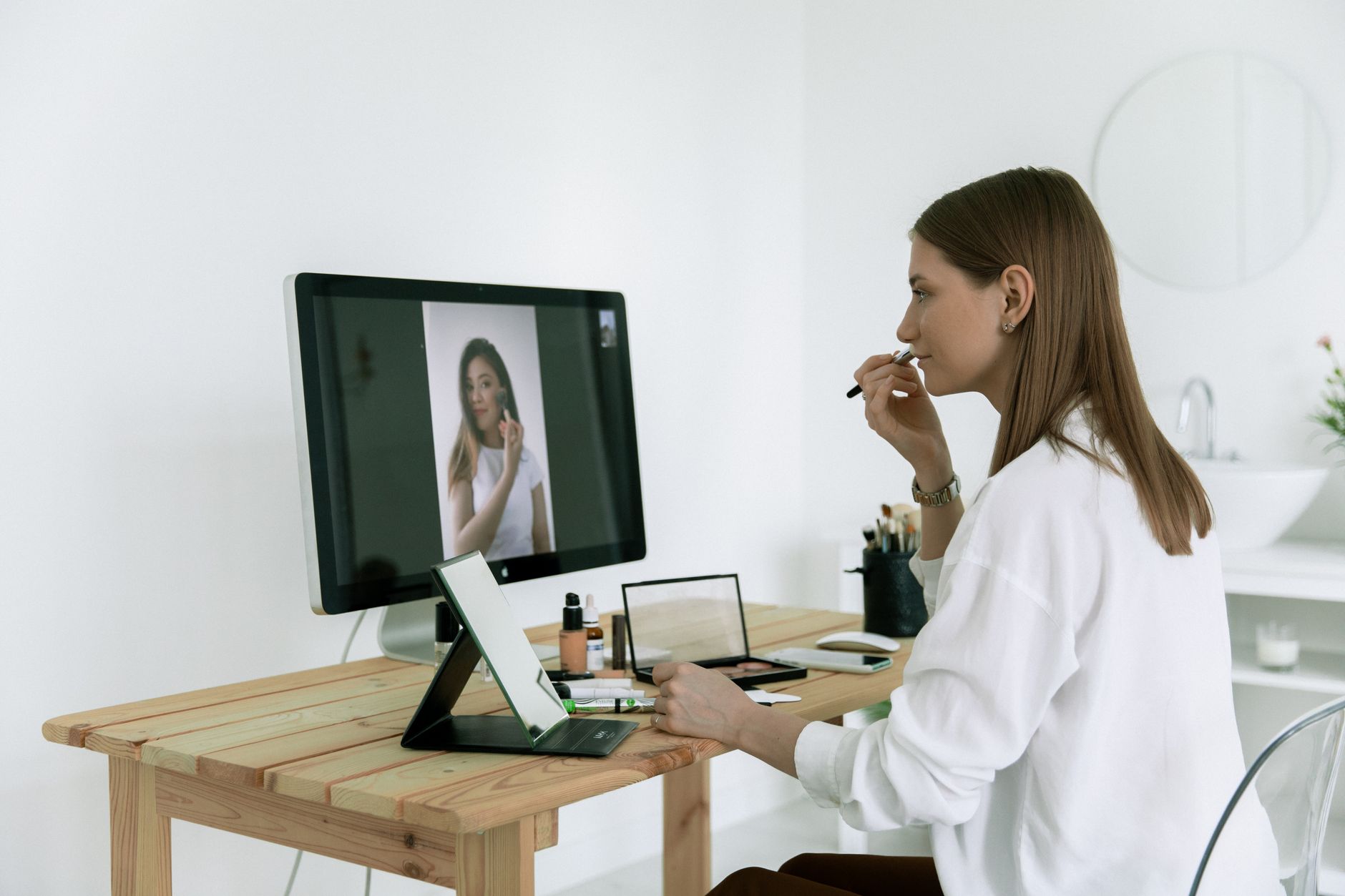
Method 1: Use the Web Player in Your Browser
The easiest route, and the one that requires zero installation, is the web player. ReelShort and DramaBox both currently offer browser-based viewing. You visit the site, log into your existing account, and your coin balance and watch history follow you across devices because they are tied to your account, not your phone.
What to Expect from the Browser Experience
The vertical video format does look a little unusual on a wide monitor — you will see the portrait-ratio frame centered on screen with empty space on either side. That is normal. The player handles it gracefully, and you can often zoom your browser or use full-screen mode to make the frame taller. Subtitles remain readable, and the episode-to-episode flow works just the same as on the app.
Free opening episodes are available in the browser exactly as they are on mobile. When you reach a locked episode, the coin-purchase prompt appears on screen. You pay with coins you already have, or you buy more — the same system you would use on your phone. No extra fees, no different pricing because you are on a computer.
GoodShort and ShortMax are more app-focused and may have limited or no standalone web player at the time you read this. For those two, the emulator method below is more reliable.

Method 2: Run the Android App Through an Emulator
An Android emulator is software that runs a virtual Android device on your Windows or Mac computer. You install it once, then install any Android app inside it — including short-drama apps that have no browser version. The app runs exactly as it would on a phone, vertical interface and all.
Choosing an Emulator
Several reputable emulators are available for free. BlueStacks is the most widely used and supports the Google Play Store, which means you can sign into the Play Store and install ReelShort, DramaBox, GoodShort or ShortMax just as you would on a real Android phone. LDPlayer and NoxPlayer are two other commonly used options that work the same way. Download whichever you prefer directly from its official website — never from a third-party mirror.
Setting Up Your Short-Drama App in an Emulator
Once the emulator is installed and your Google account is connected, open the Play Store inside the emulator, search for the app you want, and install it. Log in with the same account you use on your phone. Your watch progress, coin balance and any series you have saved will all be there, because the account is the source of truth — not the device itself.
The vertical video will display in portrait orientation inside the emulator window. You can resize the emulator window to make it taller, which helps the format feel more natural on a wide screen.
One practical note: some emulators ask you to enable certain permissions or adjust display settings to get video playback working smoothly. If a video shows a black screen, toggling hardware acceleration in the emulator settings usually resolves it.
Method 3: Mirror Your Phone to Your PC Screen
If you would rather not install extra software, phone mirroring is a third option. Windows currently includes a built-in feature called Phone Link (for Android phones) that can mirror your phone's screen to your PC. On Mac, similar functionality exists through certain third-party apps or through AirPlay if you are using an iPhone.
With mirroring, you are literally displaying your phone screen on your computer monitor and controlling it from there. The short-drama app runs on the phone itself; the PC just shows the picture. This means everything that works on your phone — including all four apps, free episodes, rewarded ads for coins, and any series you are mid-way through — works exactly the same way.
Coins and Free Episodes Work the Same on PC
A common question is whether the coin system changes when you switch to a PC. It does not. Here is how it works, regardless of device:
Most series on ReelShort, DramaBox, GoodShort and ShortMax start with several free episodes. You can watch those without spending anything, on phone or PC alike. When you reach a locked episode, you spend coins. Coins can be purchased inside the app or web player, or earned by watching a short rewarded ad — the same model that mobile games have used for years. You are never charged automatically; every coin spend is a choice you make.
If you log into your account on PC using the same credentials as your phone, your coin balance is right there. Buy coins on your phone, watch on your PC, or vice versa — it all syncs through your account.
One safety note worth stating plainly: any website outside the official apps that asks you for a bank transfer, a gift card payment or an external fee to unlock episodes is not affiliated with these platforms. The legitimate apps handle all payments inside their own app or website. If something feels off, close the tab and go directly to the official site or app store listing.
Tips for the Best PC Viewing Experience
Resize for the Format
Short dramas are shot in 9:16 portrait ratio. On a widescreen monitor, position the browser window or emulator so it is tall and narrow rather than stretched wide. Think of it the way you would position a phone on its side — you would not do it. Tall and centered is the way to go.
Use Headphones or External Speakers
The dramatic sound design in short dramas — the tense music stings, the sharp sound effects at every cliffhanger — comes through much better on external audio than on phone speakers. One genuine advantage of the PC setup is access to better sound.
Keep Your Account Logged In
Whether you use a browser player or an emulator, staying logged in means your progress saves automatically. You can start a series on your lunch break at your desk and continue it on your phone that evening without losing your place.

Which Method Should You Choose?
If you watch ReelShort or DramaBox and want the simplest setup, the browser player is the right call — open a tab, log in, watch. If you prefer GoodShort or ShortMax, or if you want the full app experience including rewarded ads for coins, an emulator gives you everything the mobile app offers. And if you already have Phone Link set up on Windows, mirroring your phone takes about thirty seconds and works with any of the four apps instantly.
For a deeper look at how the coin and free-episode system works across all four platforms, see our guide on how coin systems work in short-drama apps. If you are still deciding which app suits your taste in genres, our ReelShort vs DramaBox vs GoodShort vs ShortMax comparison lays it out clearly.
Short dramas were designed for phones, but there is nothing stopping you from enjoying them on the biggest screen in the room. Pick the method that fits your setup and start watching.

Daniel Ng
Follows the business behind the format: who makes these series, why they are free at the start, and how to spot a site that is not the real app.