How to Watch Short Dramas on Your PC or Laptop
Short dramas are built for phones, but you can watch them on a bigger screen too. Here is how PC viewing generally works, what to expect, and what to avoid.

Short dramas, also called micro-dramas, are stories told in vertical episodes that usually run about a minute each, with a cliffhanger built into almost every scene. They were designed for one thing: a phone held in one hand. So it is a fair question to ask whether you can watch them on a laptop or desktop, and what the experience is actually like.
The honest answer is yes, in a few different ways, each with trade-offs. This guide walks through the realistic options, explains how free episodes and coins behave no matter which screen you use, and flags the safety points worth knowing before you click anything.

Why short dramas are built for phones
The format is shot in portrait orientation. A normal computer monitor is wide and landscape, so a vertical video does not fill it. You end up with a tall, narrow column of video in the middle of the screen and empty space on both sides. That is not a bug. It is simply how the content is framed.
This matters for expectations. Watching on a PC will not turn a vertical series into a widescreen film. What it can do is give you a bigger, steadier picture, a more comfortable seat, and easier access to captions if you like to read along. If you are new to the format itself, our explainer on what short dramas are covers the basics.
Your main options for watching on a computer
Option 1: The app's own web version, where one exists
Some short-drama services offer a browser version of their catalog, and some do not. This changes over time, and it differs by app and by region. The reliable approach is to go to the app's official website, found by searching the app's name directly or by using the link inside the official app store listing, and check whether it offers in-browser viewing.
If a web version exists, you generally sign in with the same account you use on your phone. That means your watch history and any coins you already hold usually follow you. Treat that as a general pattern rather than a promise, since each service handles accounts its own way.
Option 2: Mirroring your phone to a bigger screen
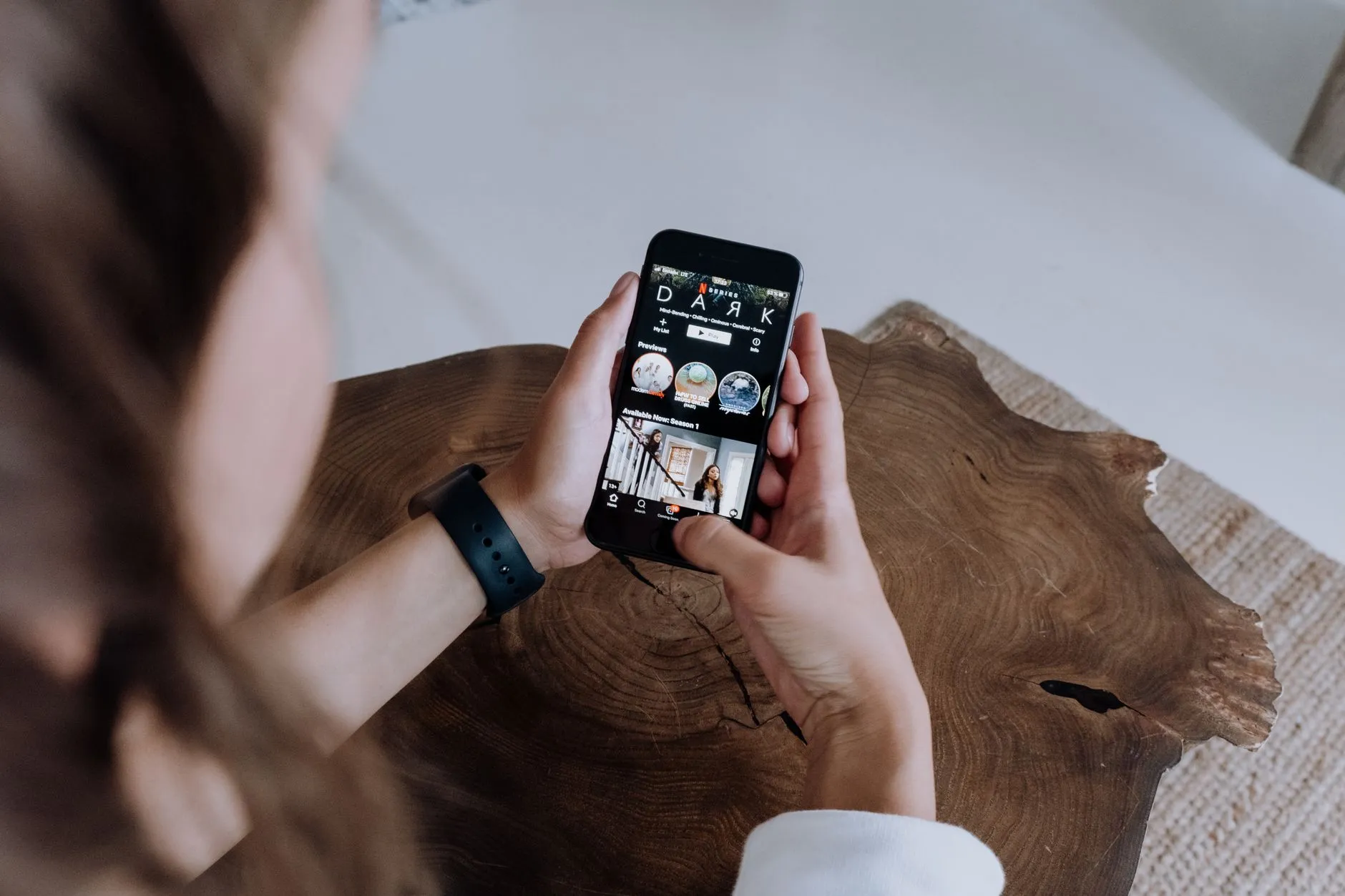
If you simply want a larger picture, you can send your phone screen to a TV or computer instead of using a separate PC app. Many phones and smart TVs support built-in screen casting, and there are official casting features on both major mobile platforms. You keep using the real app on your phone, and the big screen just shows what the phone shows.
This is often the least fiddly route. The video stays in vertical form, so on a TV you will still see black bars at the sides. Some people find that perfectly fine for an evening of binge-watching, especially from the couch.
Option 3: Running a mobile app on a computer through official tools
Some computers can run mobile apps through tools that come from the operating system maker or from well-known, legitimate software publishers. If you go this way, stick to official sources only and download the short-drama app from a recognized store, never from a random file site. Compatibility varies, and not every app will behave perfectly this way, so it is worth testing with the free opening episodes first.

How free episodes and coins work on a PC
The way these apps make money does not change just because you switched screens. It is the same model mobile games use, and it is worth understanding clearly so nothing surprises you.
- The opening episodes of most series are free to watch on the major apps.
- Later episodes unlock with coins.
- Coins are either bought, or earned by watching a short rewarded ad.
- You are never charged unless you choose to buy something.
That last point deserves emphasis. A paid unlock is something you opt into at a visible prompt. Nothing should bill you quietly in the background. If you want the full picture of earning and spending, see our guide to how the coin system works.
Earning coins without spending money
Rewarded ads are the legitimate free route. You choose to watch a short ad, and the app credits you in return. Many apps also offer small daily check-in rewards or occasional in-app promotions. The exact amounts and availability change often, so look at what your own app offers rather than trusting a number from a blog. There is no trick that unlocks a paid episode for nothing, and anyone promising unlimited free coins is not telling the truth.

Which apps are worth checking first
The four services most readers ask about are ReelShort, DramaBox, GoodShort and ShortMax. Each has its own catalog, its own genre strengths and its own way of handling accounts. Before you settle on one for PC viewing, it helps to know which one carries the kind of story you like. Our comparison of ReelShort vs DramaBox vs GoodShort vs ShortMax breaks down which app suits which genre.
A practical tip: pick a series with a free opening run, try it on the screen setup you plan to use, and only then decide whether it is worth unlocking more. That way you learn how the video looks and plays on your device without spending anything.
A few comfort tips for desktop viewing
- Use full-screen mode if the player offers it, so the vertical video is as large as it can be.
- Turn on captions if you like reading along, especially for series with a dubbed or translated track.
- Sit back from the screen. A tall, narrow video is easier on the eyes at a little distance.
- Keep volume reasonable, since each episode is short and sound cues are frequent.
Staying safe: what is not the official app
Because short dramas are popular, scammers copy the look of the real apps. A few rules keep you safe.
- Only install apps from official stores, and only visit sites you reached through the official listing.
- The real apps unlock episodes with coins inside the app. Any site asking you for a bank transfer, a gift card or an outside unlock fee is not the app.
- Be wary of anything claiming to hand out free coins, offer cracked versions or bypass payment. Those are not legitimate, and they are a common way people lose accounts or personal data.
- Never enter card details on a page you reached through an unfamiliar link.
If something asks for money in a way the official app never would, close it. You lose nothing by walking away, because the free opening episodes are available through the proper channels.
So is a PC worth it?
For many viewers, a computer is a pleasant way to watch when the phone battery is low or when you want a steadier picture. For others, the vertical format simply feels best on a phone, and casting to a TV is the better upgrade. There is no single right answer. Try the free episodes in your preferred setup, notice what feels comfortable, and let that decide.
The key points are simple: the format is vertical by design, the free-then-coins model is the same everywhere, and you stay in control of what you spend. Start with the opening episodes, enjoy the cliffhangers, and only unlock more when a story has genuinely earned it.

Maya Reyes
Covers the short-drama catalogs week by week — what is trending on ReelShort and DramaBox, and which series are worth an evening.