How to Watch Short Dramas on Your PC: A Complete Guide
Want to watch ReelShort, DramaBox, GoodShort or ShortMax on a big screen? Here's how to stream short dramas on your PC right now.

Why Watch Short Dramas on a PC?
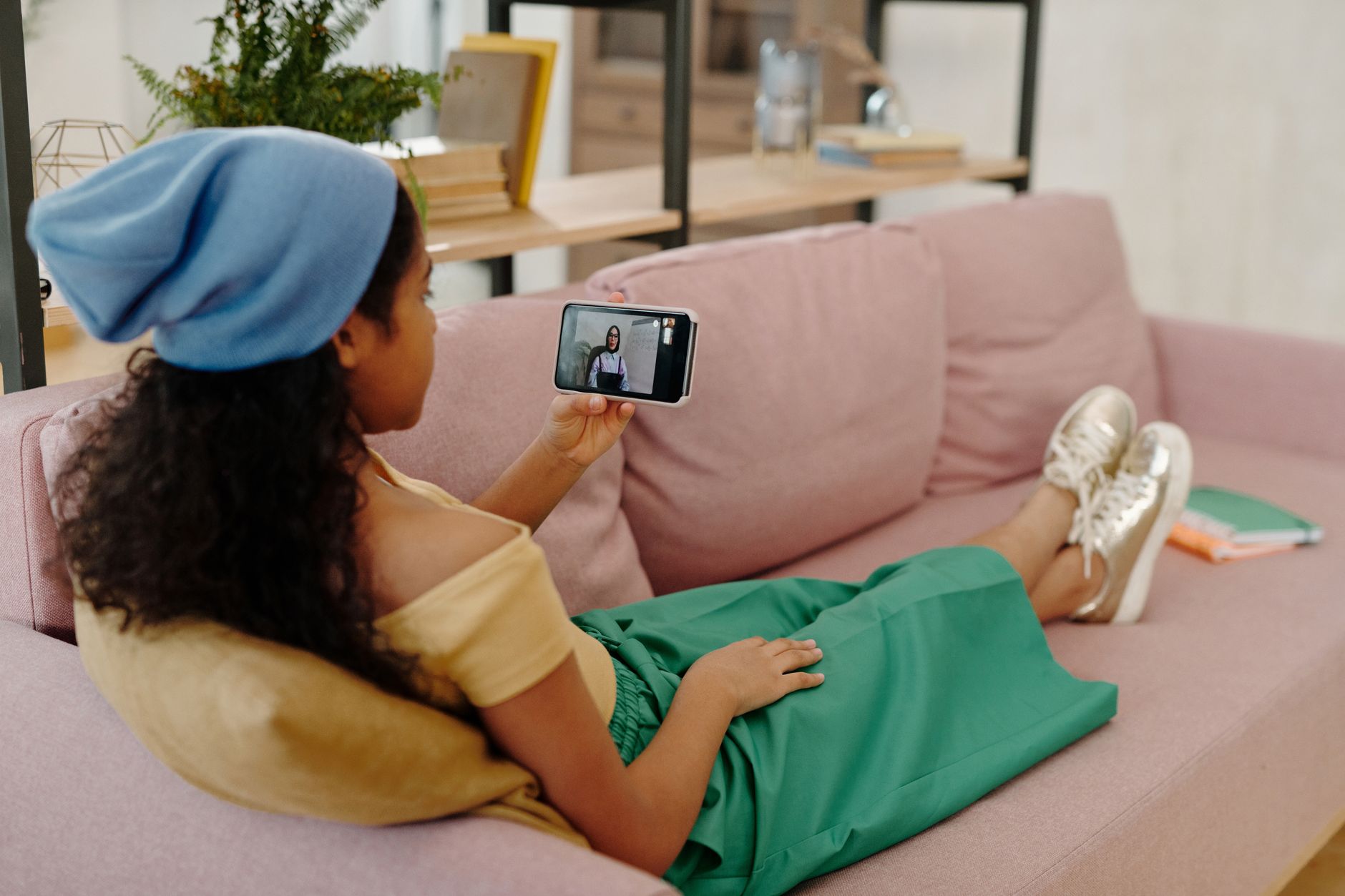
Short dramas were built for the phone. One-minute vertical episodes, cliffhangers every scene, a story that fits perfectly in your palm during a lunch break. But there are real reasons to move that experience to a bigger screen. Maybe your eyes need a rest from squinting. Maybe you want to follow a series while working at your desk. Maybe you just finished an episode on your phone and want to keep going without holding your arm up.
Whatever the reason, the good news is that every major short-drama app — ReelShort, DramaBox, GoodShort, and ShortMax — can be watched on a PC today, without any complicated setup. This guide walks you through every method, tells you what works best, and flags the one thing that trips most people up (the vertical format).

Method 1: Use the Browser Version
The easiest route is also the most overlooked. Several of these apps have web players that run directly in your browser — no download, no installation, no account migration.
ReelShort on the Browser
ReelShort offers a web experience at its official website. You log in with the same account you use on your phone, and your coins, unlocked episodes, and watchlist carry over instantly. Episodes play in a vertical video player embedded on the page. The interface is clean and works well in Chrome, Edge, and Firefox.
DramaBox on the Browser
DramaBox similarly has a web portal. The library available on the web version closely matches what you find in the mobile app. Because your account is tied to your login — not your device — everything you unlocked on your phone is already waiting for you when you sign in on a PC.
GoodShort and ShortMax
GoodShort and ShortMax are primarily app-first platforms, which means their web presence is lighter. ShortMax does have a functional web player for many of its series. For GoodShort, the browser experience is more limited, and some content may prompt you to download the app. In those cases, Method 2 below fills the gap.
Pro tip: When using any browser player, resize your window so it is taller than it is wide, or use your browser's zoom function to make the video column take up more vertical space. Short dramas are filmed in a 9:16 ratio — the same as a phone screen held upright — so a letterboxed landscape view wastes most of your monitor.
Method 2: Use an Android Emulator
An Android emulator runs a full Android environment on your Windows or Mac PC. You install the emulator once, then install apps inside it exactly as you would on a phone. This is the method that gives you the full app experience — including any features, animations, or coin-earning ad flows that the browser version might not fully support.
What Emulators Are Available?
The most widely used free options for this purpose are BlueStacks and NoxPlayer. Both are legitimate software available from their official websites. Download only from the official source — never from a third-party mirror site, because unofficial versions carry real security risks.
Setting Up an Emulator for Short Dramas
- Download and install your chosen emulator from its official site.
- Sign in with a Google account inside the emulator to access the Google Play Store.
- Search for ReelShort, DramaBox, GoodShort, or ShortMax in the Play Store and install as normal.
- Open the app and log in with your existing account. Your coins and progress sync immediately.
- In the emulator's display settings, set the resolution to a portrait (vertical) orientation — something like 1080 x 1920 — so episodes fill the screen properly instead of appearing as a thin strip in the center of a landscape window.
Once set up, watching feels nearly identical to using a phone, except your hands are free, the screen is larger, and you can pause without fumbling. The coin system works the same way: free opening episodes, then coins to unlock the rest. You can watch rewarded ads inside the emulator to earn coins organically, just as you would on a phone.
Method 3: Mirror Your Phone to Your PC
If emulators feel like too much setup, phone mirroring is the middle ground. Windows 11 includes a built-in feature called Phone Link that can mirror an Android phone's screen directly to your PC. Samsung devices have particularly tight integration through the Link to Windows app. iPhone users can use AirPlay to cast to an Apple TV connected to a monitor, though this is more of a TV solution than a PC one.
With mirroring, you are still controlling your phone — the PC just displays what is on the screen. This means you get the full native app with zero compromise, and the vertical format displays perfectly in the mirrored window. The downside is that your phone needs to stay nearby and connected, and battery drain on the phone is real during long sessions.
The One Thing That Trips People Up: The Vertical Format
Short dramas are not like Netflix shows. They were framed, shot, and edited specifically for a vertical phone screen. When you open an episode in a browser and it appears as a tiny column in the middle of a widescreen monitor, that is not a bug — it is just the format doing what it was designed to do on a different canvas.
The fix is simple: do not fight it. Use the emulator in portrait mode, resize your browser window to be taller, or use a monitor that can physically rotate 90 degrees into portrait orientation. Some desktop monitors support this — it sounds unusual, but it genuinely transforms the short-drama experience on a PC into something that feels purpose-built.
If none of those options work for your setup, the browser methods still deliver a perfectly watchable experience. The story, the performances, and the cliffhangers all land the same way — you just have some black bars on the sides.
Staying Safe When Watching on PC
One important note: if you search for a short drama series online and a website offers to let you watch it for free in exchange for entering payment information, a gift card code, or a bank transfer outside of the official app — that is not ReelShort, DramaBox, GoodShort, or ShortMax. Those apps never ask for payment through external websites or unofficial channels. Coins are purchased only inside the official app or on the official website, through standard app-store billing. Any site claiming otherwise is not affiliated with these platforms.
Stick to the official apps, the official web portals, and emulators loaded with apps from the Google Play Store, and you will not run into issues.

Which Method Should You Choose?
Here is a quick summary to help you decide:
- Browser — Best for occasional watching with no setup. Works well for ReelShort and DramaBox. Log in and go.
- Android emulator — Best for regular PC viewers who want the full app experience, portrait-mode display, and access to all four apps including GoodShort.
- Phone mirroring — Best if you already have the apps set up on your phone and just want a bigger screen without any extra configuration.
Whichever method you pick, your account follows you. The coins you earned watching ads on your phone are ready to spend on your PC. The episodes you unlocked last night are already waiting. Short dramas meet you wherever you are — and now that includes your desk.
Want to know more about how coins work across all four apps? Read our guide on how the coin system works and how to earn free coins legitimately. Or if you are new to the format entirely, start with what short dramas are and why they are so addictive.

Maya Reyes
Covers the short-drama catalogs week by week — what is trending on ReelShort and DramaBox, and which series are worth an evening.