How to Watch Short Dramas on Your PC: A Complete Guide
Want to watch ReelShort, DramaBox, GoodShort or ShortMax on a big screen? Here's exactly how to get short dramas running on your PC today.

Why Watch Short Dramas on a PC?
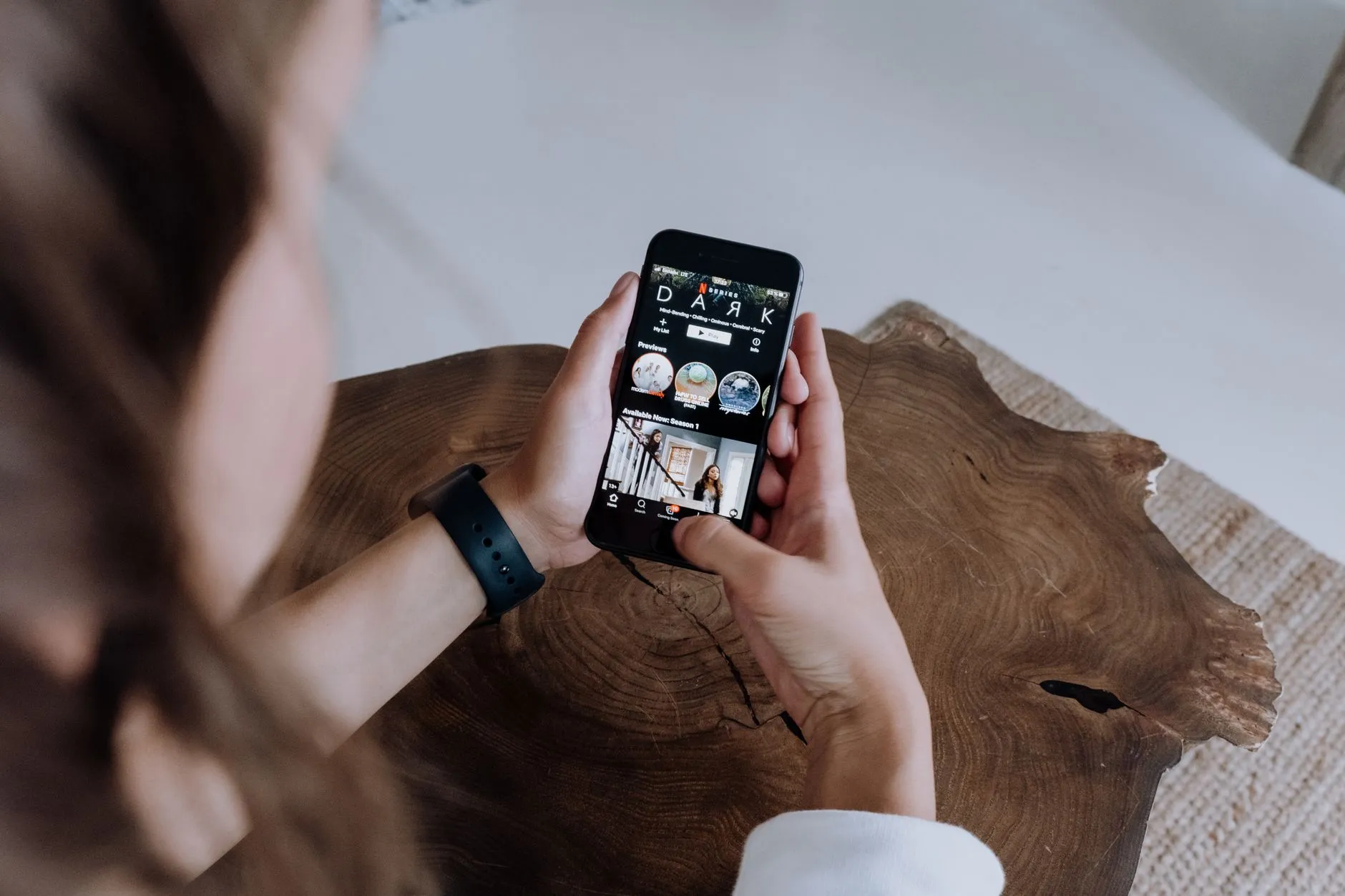
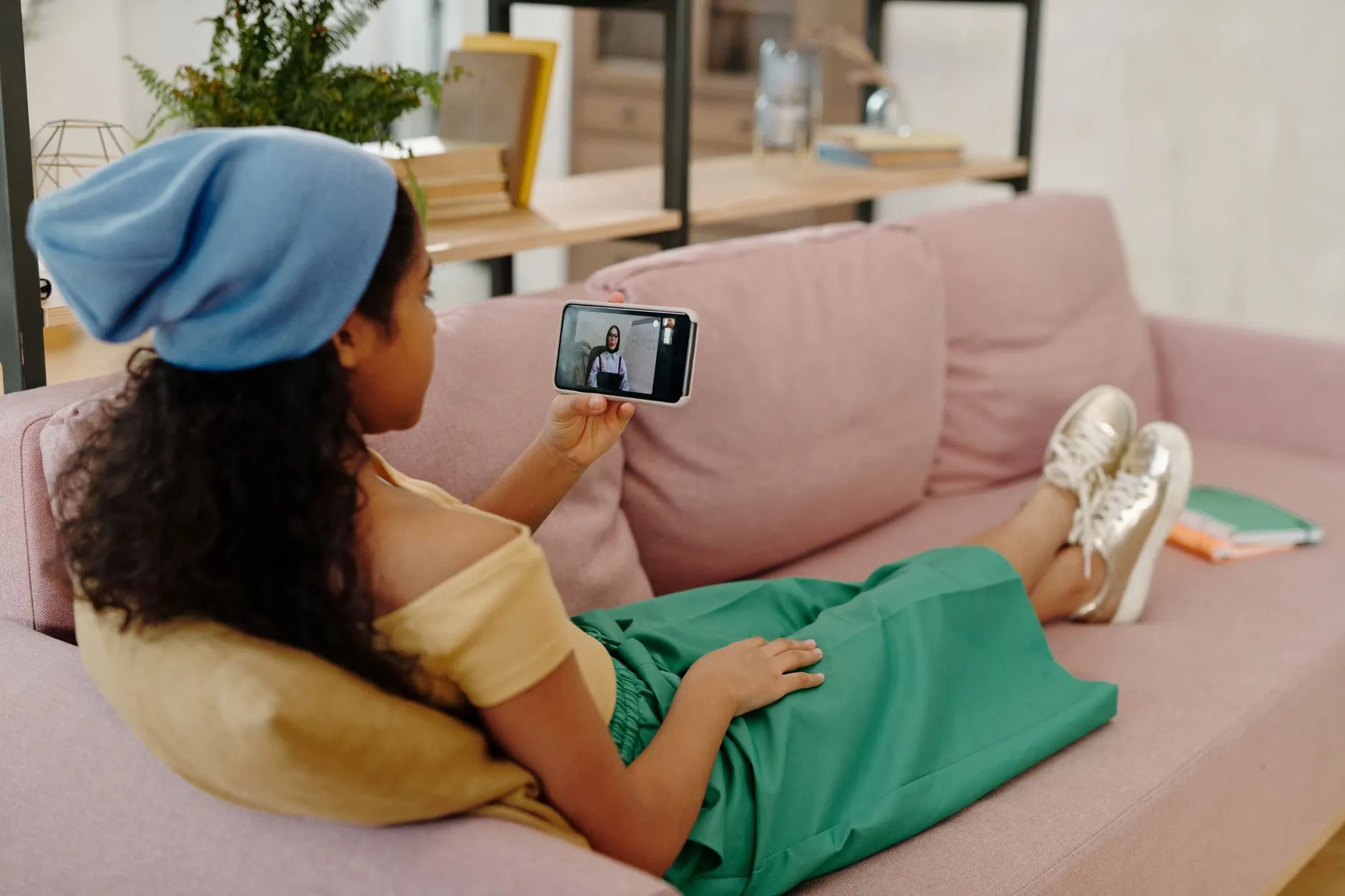
Short dramas are designed for a phone: vertical video, one-minute episodes, cliffhangers every thirty seconds. But that does not mean you are locked to a tiny screen. Plenty of viewers prefer to watch on a laptop or desktop — maybe your phone battery is low, maybe you want a larger display, or maybe you simply sit at a desk all day and want something to watch during a break. Whatever the reason, getting ReelShort, DramaBox, GoodShort, or ShortMax onto your PC is easier than most people think.
This guide walks you through every working method, what to expect from each one, and how to make sure your coins and progress carry over so you never lose a single episode.

Method 1: Use the Official Browser Version
The quickest way to start is to open your browser and visit the official website of whichever app you prefer. ReelShort, DramaBox, GoodShort, and ShortMax all offer a web version that runs directly in Chrome, Edge, Firefox, or Safari without installing anything extra.
What the Browser Version Gets You
The web player streams the same episodes you would find in the mobile app. The opening episodes of most series load for free, exactly as they do on a phone. When you reach a locked episode, you can purchase coins through the same checkout flow the app uses — your payment goes directly to the platform, not to any third party. You will never be asked for a gift card or a bank transfer; if any site ever asks you for that, it is not the official app.
The main limitation is that the video stays in a vertical portrait ratio. On a widescreen monitor it will appear as a tall, narrow column with dark bars on each side. That is simply how the format works — it was filmed vertically on purpose. Some viewers find this perfectly fine; others prefer the emulator method below if they want the video to feel more native.
Staying Logged In on the Browser
Create an account with your email or link your social login before you start spending coins. That way your balance and watch history are tied to your account, not just the device. If you ever switch between your phone and your PC, everything stays in sync automatically.
Method 2: Run the Android App Inside an Emulator
An Android emulator is software that creates a virtual phone inside your Windows or Mac computer. The short-drama app installs into that virtual phone exactly as it would on a real device. This is the method that gives you the most app-like experience on a big screen.

Which Emulator to Use
BlueStacks is currently the most widely used option for Windows and macOS. It is free to download from the official BlueStacks website. LDPlayer is another well-regarded choice for Windows. Both are legitimate software tools used by millions of people for mobile apps and games — they are not piracy tools and they do not require any hacking or modification of the short-drama apps.
Once the emulator is installed, you open its built-in Google Play Store, sign in with a Google account, and search for ReelShort, DramaBox, GoodShort, or ShortMax just as you would on a real phone. Install, log in with your account, and you are watching.
Getting the Vertical Video to Fill the Screen
Inside the emulator settings you can set the virtual device resolution to a portrait ratio — something like 1080 by 1920 pixels. This makes the virtual phone tall rather than wide, so the vertical video fills the emulator window properly. It takes about two minutes to configure and makes a noticeable difference to how the episodes look.
Do Coins and Free Ads Work in the Emulator?
Yes. The app running inside the emulator behaves identically to the app on a phone. Free opening episodes are free. Rewarded ads — the short commercials you can watch to earn a coin without paying — appear and credit your account the same way. Coin purchases go through Google Play's standard checkout. Nothing about the coin or reward system changes just because you are on a PC.
For a deeper look at how the coin system works across all four apps, see our guide on how coins and free episodes work on short-drama apps.
Method 3: Mirror Your Phone to a Larger Screen
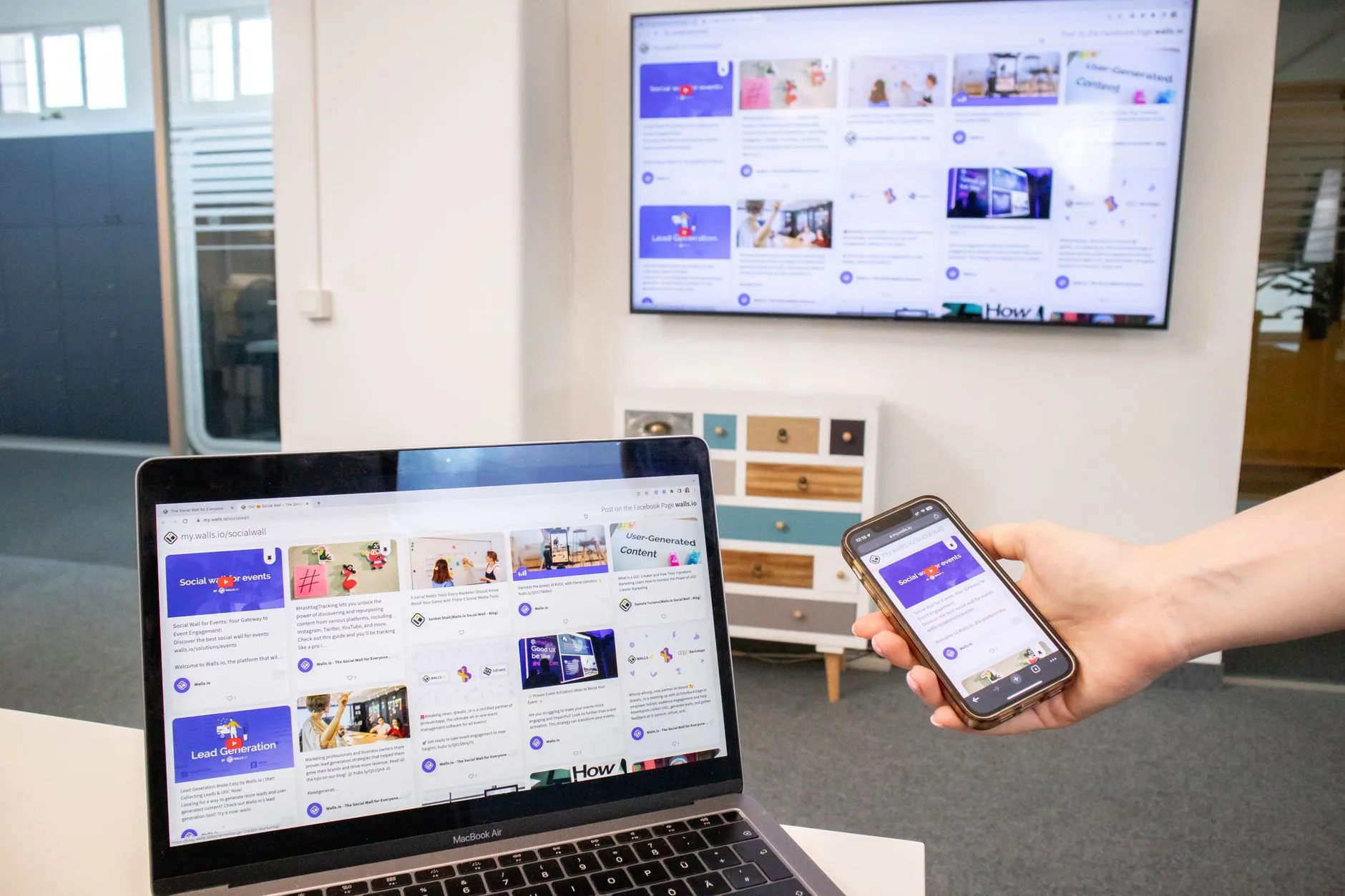
If you already have the app on your phone and you just want a bigger picture, screen mirroring is the lowest-effort option. Windows 11 and Windows 10 both include a built-in Wireless Display feature. On a Mac, AirPlay lets you mirror to an Apple TV or a compatible smart TV. Third-party apps like ApowerMirror or scrcpy also let you display your Android phone's screen on a PC monitor over USB or Wi-Fi.
With mirroring, you still tap and swipe on your phone — the PC just shows a copy of what is on your screen. It is less elegant than the emulator approach, but it requires zero setup if your devices already support it.
Keeping Your Account Safe on Any Device
Whichever method you use, always download apps from the official Google Play Store, Apple App Store, or the platform's own verified website. There are unofficial sites that claim to offer free coins or unlocked episodes — these are not associated with ReelShort, DramaBox, GoodShort, or ShortMax. The real apps never ask you to pay outside their own checkout, and no legitimate service will ask you to send money via gift card or wire transfer to unlock episodes.
If you use a shared PC, log out of your short-drama account when you are done, just as you would with any streaming service.
Which Method Is Right for You?
If you want the fastest start with no downloads, the browser version is the right call. If you want the full app experience with rewarded ads and the most natural feel, an emulator like BlueStacks takes about fifteen minutes to set up and works reliably. If you just want to occasionally watch on a bigger screen without changing your habits, phone mirroring covers that without any new software at all.
For newcomers who have never tried the format before, the browser version of any of the four apps is a great place to start — the first several episodes of most series are free, and you can get a feel for whether the one-minute cliffhanger style is for you before spending anything. Learn more about the format itself in our short-drama explainer for first-time viewers.

Quick Recap
Short dramas on PC come down to three practical paths: browser playback for instant access, an Android emulator for the full app experience, or phone mirroring for a bigger picture with minimal effort. All four major apps — ReelShort, DramaBox, GoodShort, and ShortMax — work through at least one of these methods right now, and your coins and account progress follow you across every device you use. Pick the method that fits how you already work and start watching today.

Tom Callahan
Explains how the apps actually work: free episodes, coins, rewarded ads, and how to watch on a phone or a PC without paying for anything you did not choose.