How to Watch Short Dramas on Your PC
Want to watch ReelShort, DramaBox, GoodShort or ShortMax on a big screen? Here is how to enjoy short dramas on your PC right now.

Why Watch Short Dramas on a PC?
Short dramas — those addictive one-minute vertical episodes packed with cliffhangers — were built for the phone. But that does not mean your phone is the only place to watch them. Plenty of fans prefer a larger screen, a proper keyboard, and the comfort of a desk or laptop setup, especially for longer binge sessions. The good news is that all four of the major short-drama apps — ReelShort, DramaBox, GoodShort, and ShortMax — are accessible from a PC, and the experience is smoother than most people expect.
This guide walks you through every method, from the simplest browser trick to a full Android emulator setup, so you can pick whichever approach suits you best.
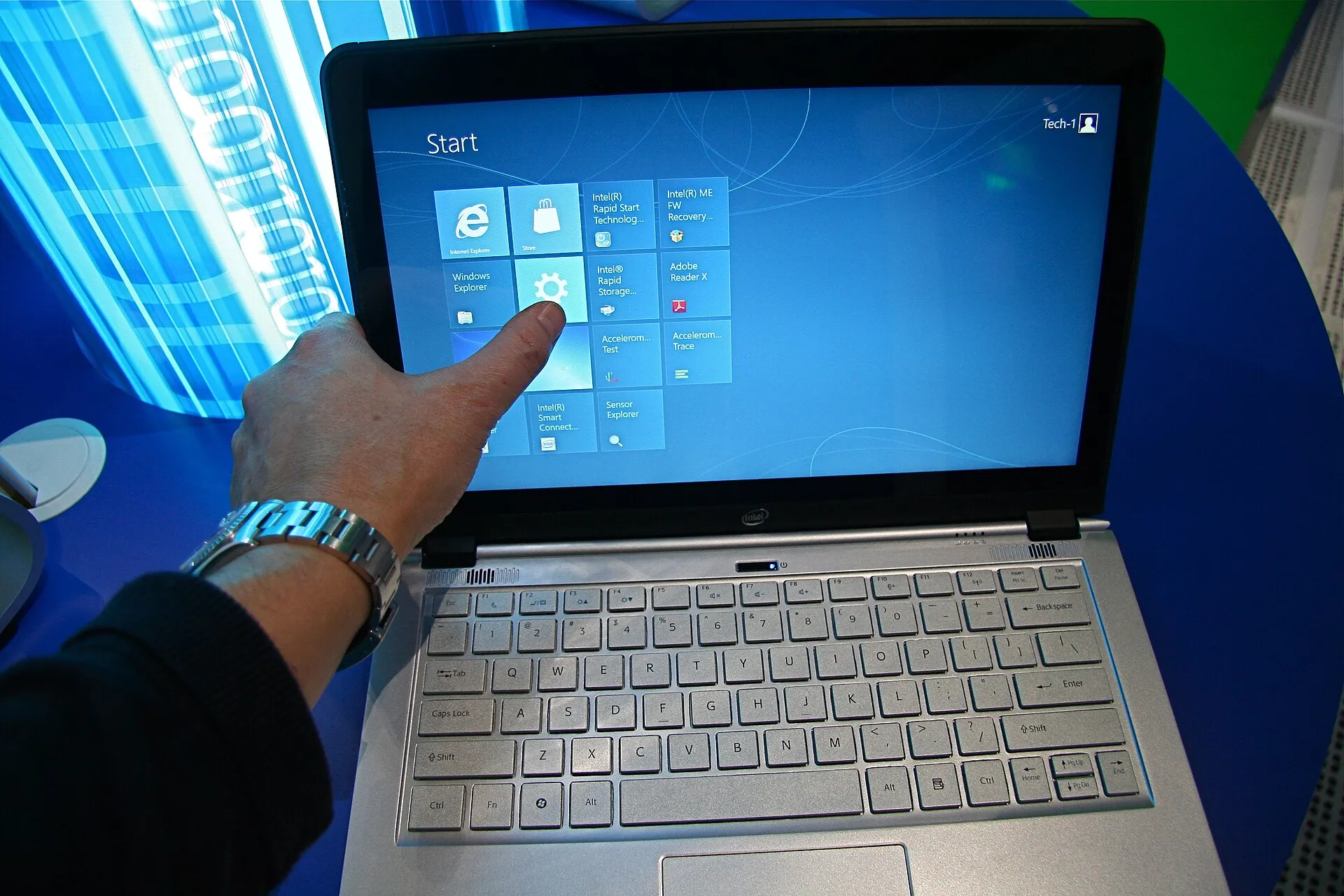
Method 1: Use the Web Player (Easiest Option)
Before you install anything, check whether the app you want has a web version. This is the fastest route to watching short dramas on a PC.
ReelShort on the Web
ReelShort runs a web player that you can open in any modern browser — Chrome, Edge, Firefox, or Safari on a Mac. Go to the official ReelShort website, create a free account or log in with an existing one, and you can browse the library and stream episodes directly. The vertical format is preserved in a centred column on your screen, which feels natural once you settle in. Free episodes play immediately; later episodes unlock with coins, exactly as they do on the phone app.
DramaBox on the Web
DramaBox also offers a browser-based experience through its official site. Sign in, search for a series, and hit play. The interface is clean and the coin system works identically to the mobile version. If you already have a DramaBox account on your phone, your coin balance and watch history carry over automatically when you log in on the PC — nothing resets.
GoodShort and ShortMax
GoodShort and ShortMax are more phone-first in their design, but both have web presences worth checking. ShortMax in particular has been expanding its browser support. Even if the web player feels basic, it is worth trying before you reach for an emulator. Load the official site, log in, and see how far the free episodes take you.
Method 2: Android Emulator (Full App Experience)
If the web player feels limited or you want the full app interface on your PC screen, an Android emulator gives you exactly that. An emulator is a free program that runs Android on your Windows or Mac computer, letting you install apps from the Google Play Store as if you were on a phone or tablet.
Which Emulator to Use
BlueStacks is the most widely used Android emulator and runs well on most Windows machines. LDPlayer is another popular choice, especially on lower-spec computers. For Mac users, BlueStacks has a Mac version, or you can try an alternative like NoxPlayer. All of these are free to download from their official sites.
Step-by-Step Setup
First, download and install your chosen emulator from its official website. Once installed, open the emulator and sign into the Google Play Store using a Google account — this is the same account you use for any Android device. Then search for ReelShort, DramaBox, GoodShort, or ShortMax in the Play Store and install the app just as you would on a phone. Launch the app, log in or create an account, and start watching.
The vertical video will display in a tall window on your screen. You can resize the emulator window, but the video itself stays in portrait orientation — that is simply how the format works. Most fans find it comfortable on a laptop or monitor without any adjustment.
A Note on Performance
Emulators work best on computers with at least a moderate amount of RAM and a reasonably recent processor. If your machine is older, stick to the web player method — streaming a video in a browser is always lighter than running a full Android environment.
How Coins and Free Episodes Work on PC
One of the most common questions from new PC viewers is whether the free-episode structure changes when you switch devices. It does not. The opening episodes of most series on ReelShort, DramaBox, GoodShort, and ShortMax are free regardless of how you access the app. Later episodes lock behind coins, and you unlock them the same way — by buying a coin pack or by watching a short rewarded ad to earn a small number of coins for free.
Your account balance syncs across devices. If you earned coins on your phone this morning, they are waiting for you when you log into the web player on your PC tonight. You are never charged without actively choosing to make a purchase. No app will silently bill you for watching a free episode.
If you ever come across a third-party website claiming it can unlock premium episodes for a fee paid outside the app — via gift card, bank transfer, or an external payment link — that is not the app. The real apps handle all payments inside their own platforms. Close that site and go directly to the official app or website.
Tips for the Best PC Viewing Experience
Use Headphones or External Speakers
Short dramas are fast-paced and dialogue-heavy. Laptop speakers can muddy the audio mix. A simple pair of headphones or a small desktop speaker makes a noticeable difference, especially during tense scenes where background music and dialogue compete.
Keep a Second Tab for Browsing Series
One advantage of watching on a PC is the ease of multitasking. Open the series library in one tab and your current episode in another. Discovering your next series to binge is easier with a full keyboard for searching — try the best billionaire romance short drama series or dive into something darker like the best mafia and crime short drama series if you want something with more edge.
Bookmark Your Place
All four apps remember where you stopped watching, so even if you close the browser or emulator mid-episode, your progress is saved to your account. You can pick up on your phone during your commute and return to the PC version later without losing your place.
Explore Genres Before Spending Coins
The PC interface makes it easy to browse widely before committing coins to a series. Take advantage of the free opening episodes across several series to find one that genuinely grabs you. If you enjoy intense emotional storylines, check out the best slow-burn romance short drama series or explore the best supernatural short drama series for something with fantasy stakes.
PC vs. Phone: Which Is Better for Short Dramas?
Honestly, it depends on the moment. The phone wins for convenience — you can watch a few episodes anywhere. The PC wins for comfort during a long session, for people who find small screens tiring, and for anyone who wants to watch with a partner on a shared screen. Some fans keep both options active and switch between them freely, since the account syncs everything.
Short dramas were designed around vertical video and rapid pacing, so they work on any screen size. The format does not require a phone — it requires your attention, and a one-minute cliffhanger has no trouble keeping that whether you are on a five-inch phone or a fifteen-inch laptop.
Final Thoughts
Watching short dramas on a PC is straightforward once you know your options. Start with the official web player for whichever app you prefer — it requires no installation and works in any browser. If you want the full app experience, a free Android emulator gets you there in a few steps. Either way, your account, your coin balance, and your watch history travel with you, and the free opening episodes are always waiting whenever you are ready to start something new.

Tom Callahan
Explains how the apps actually work: free episodes, coins, rewarded ads, and how to watch on a phone or a PC without paying for anything you did not choose.