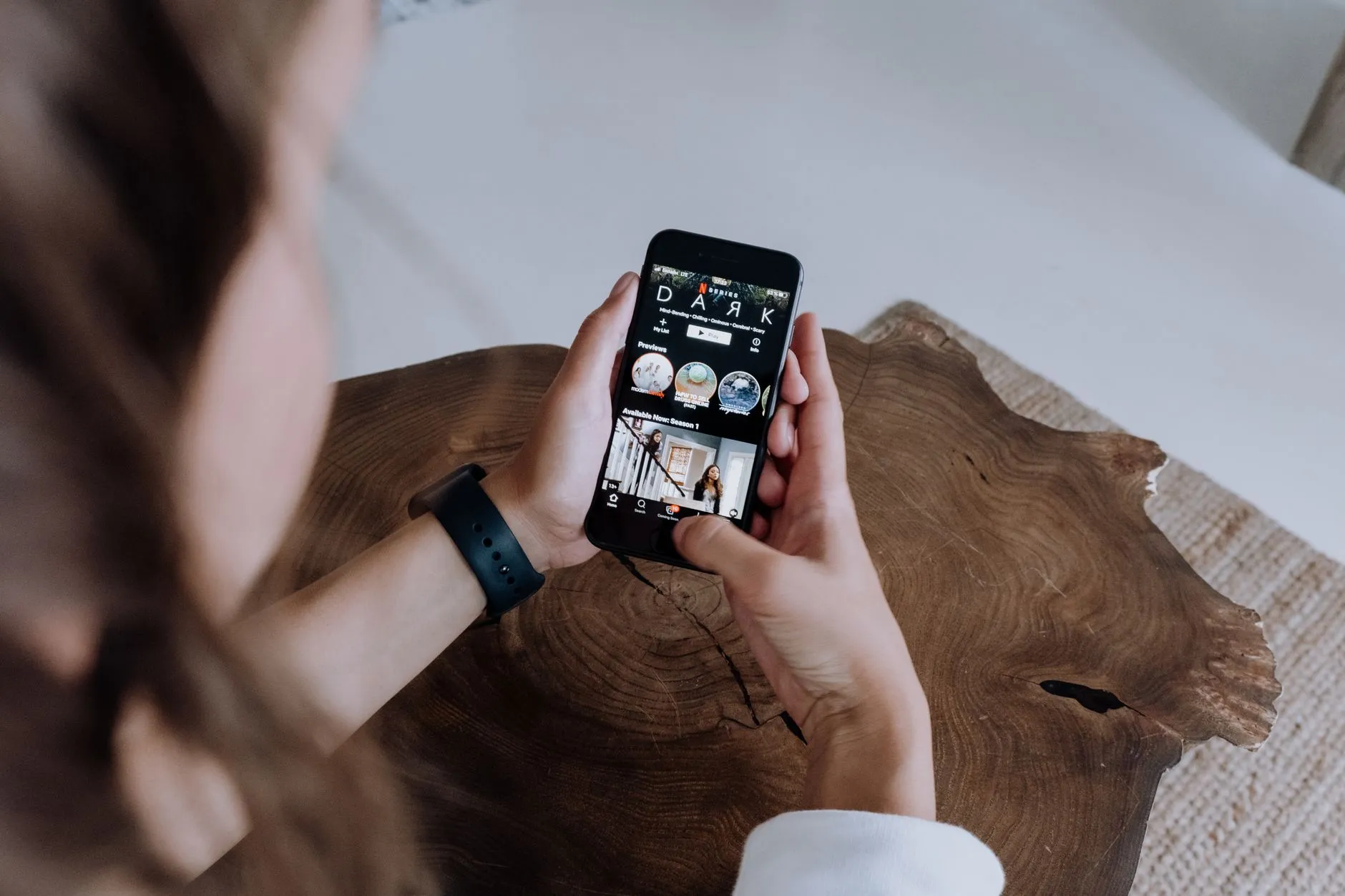
How to Find Your Place in a Short Drama Series After Losing Your Progress
Lost your spot in a short drama series? Learn how to recover your progress on ReelShort, DramaBox, GoodShort, and ShortMax without repaying for episodes.

You were twelve episodes deep into a gripping short drama — the kind where every sixty-second clip ends on a gut-punch cliffhanger — and then your phone died, you switched devices, or the app crashed. Now you have no idea where you left off, or worse, you are worried you lost the episodes you already unlocked. It is a frustrating moment that happens to a lot of viewers, and it is entirely fixable.
This guide walks you through exactly how to recover your place and your purchased episodes on the four main short drama apps: ReelShort, DramaBox, GoodShort, and ShortMax.
Why Progress Gets Lost in the First Place
Understanding the cause makes the fix much easier. Short drama apps store your watch history and your unlocked episodes in one of two places: locally on your device, or in the cloud tied to your account. When everything is saved locally — which happens when you use an app as a guest without signing in — switching phones, clearing app data, or uninstalling will wipe that history completely.
When your data is tied to a real account, it lives on the app's servers. That means reinstalling the app, switching phones, or even switching between iOS and Android does not erase anything. The episodes you paid for with coins are still yours.
The Guest Mode Problem
All four major apps let you browse and watch free episodes without creating an account. That is genuinely useful for trying a new series without committing. The hidden cost is that any coins you spend or episodes you unlock in guest mode are stored only on that specific device. If you lose the device, clear the cache, or reinstall the app, those unlocks are gone and the apps generally cannot recover them because there is no account identity to match them to.
The fix is simple: always create a free account and log in before you spend a single coin. Registration is free on ReelShort, DramaBox, GoodShort, and ShortMax, and it takes under a minute.
How to Recover Your Progress on Each App
ReelShort
Open the app and tap the profile icon, usually found in the bottom navigation bar. If you were logged in to an account, your watch history and all previously unlocked episodes will reload automatically. If you see a guest profile, tap the sign-in option and use the same email address or social login you originally registered with. Once authenticated, your library repopulates from the server. Scroll to the series you were watching and the app will typically mark which episode you last viewed.
DramaBox
DramaBox ties unlocked content directly to your registered account, so the process is the same: open the app, go to your profile tab, and sign in with your original credentials. Your purchased episodes carry over even if you have moved to a completely different phone. DramaBox also keeps a dedicated section in your library for series you have started, which makes it straightforward to jump back in once you are logged in.
GoodShort
GoodShort follows the same account-based model. Log in using the method you originally chose — email, Apple ID, or Google — and your history and coins should restore. If you are unsure which login method you used, try each one. The app will not create a duplicate account if you authenticate with the same underlying identity.
ShortMax
ShortMax stores purchased episodes at the account level. After signing back in, navigate to your profile and look for a watch history or library section. Any series you had already started will appear there, and episodes you unlocked with coins will still be accessible without any additional charge.
What to Do If You Still Cannot Find Your Episodes
If you have logged back in and a series or its unlocked episodes are missing, try these steps before contacting support.
Check Your Internet Connection
App libraries sync from the server when you open them. A weak or interrupted connection can make it look like content is missing when it actually just has not loaded yet. Switch to a stronger Wi-Fi signal or give the app a moment to refresh.
Force-Close and Reopen the App
Sometimes the app cache gets out of sync during a reinstall or an update. Close the app completely — swipe it away from your recent apps — and reopen it while logged in. This forces a fresh sync with the server.
Contact In-App Support
Every major short drama app has a support or help section inside the app itself, usually accessible from the profile or settings menu. If you spent coins on episodes that are genuinely not showing up after login, in-app support is the right place to report it. Have your account email and the name of the series ready. Staff can usually verify your purchase history and restore access.
One important caution: if anyone outside the official app — a website, a social media account, or a message — tells you to pay a fee to recover your episodes, that is not the app. The real apps never charge an outside recovery fee. Any such request is a scam. Always use only the help function inside the official app itself.
Building Good Habits to Avoid Losing Progress Again
Always Sign In Before Spending Coins
This is the single most important habit. Once you are signed in, everything you unlock is protected by your account. It costs nothing to register, and the peace of mind is worth the thirty seconds it takes.
Keep Your Login Details Somewhere Safe
Write down or store in a password manager the email address and login method you used for each app. Short drama binges can span weeks, and it is easy to forget which Google account you used when you first installed DramaBox six months ago.
Do Not Share Accounts Carelessly
Sharing an account means someone else's watch activity mixes with yours. More importantly, if they change the password or the linked email, you lose access to all the episodes you purchased under that account. Keep your account to yourself.
A Note on Switching Between Phone and PC
If you sometimes watch on your phone and sometimes on a computer, the same account logic applies. Log in with the same credentials on both devices and your progress will stay in sync. For a full guide to watching short dramas on a larger screen, check out how to watch short dramas on your PC.
Short drama series — whether you are hooked on an intense revenge saga, a heart-racing enemies-to-lovers story, or an addictive billionaire romance — are designed to pull you back episode after episode. Losing your place should never be the reason you stop watching. A free account on whichever app you prefer is the only safety net you actually need.
Quick Reference: Progress Recovery Checklist
Use this checklist any time you switch devices or reinstall a short drama app.
- Open the app and go to the profile or account tab.
- Sign in using the same email or social login you originally registered with.
- Wait for the app to sync — use a strong connection.
- Check your library or watch history for your series.
- If episodes are missing after sync, contact in-app support with your account email and the series name.
- Never pay an outside party to recover episodes — use only the official in-app help.
Following these steps takes less than two minutes and will get you back to your cliffhanger without losing a single episode you already paid for. Short drama episodes are short, but the stories they tell are long — keeping your account in good shape means you will never have to watch the same reveal twice just to find your place.

Daniel Ng
Follows the business behind the format: who makes these series, why they are free at the start, and how to spot a site that is not the real app.