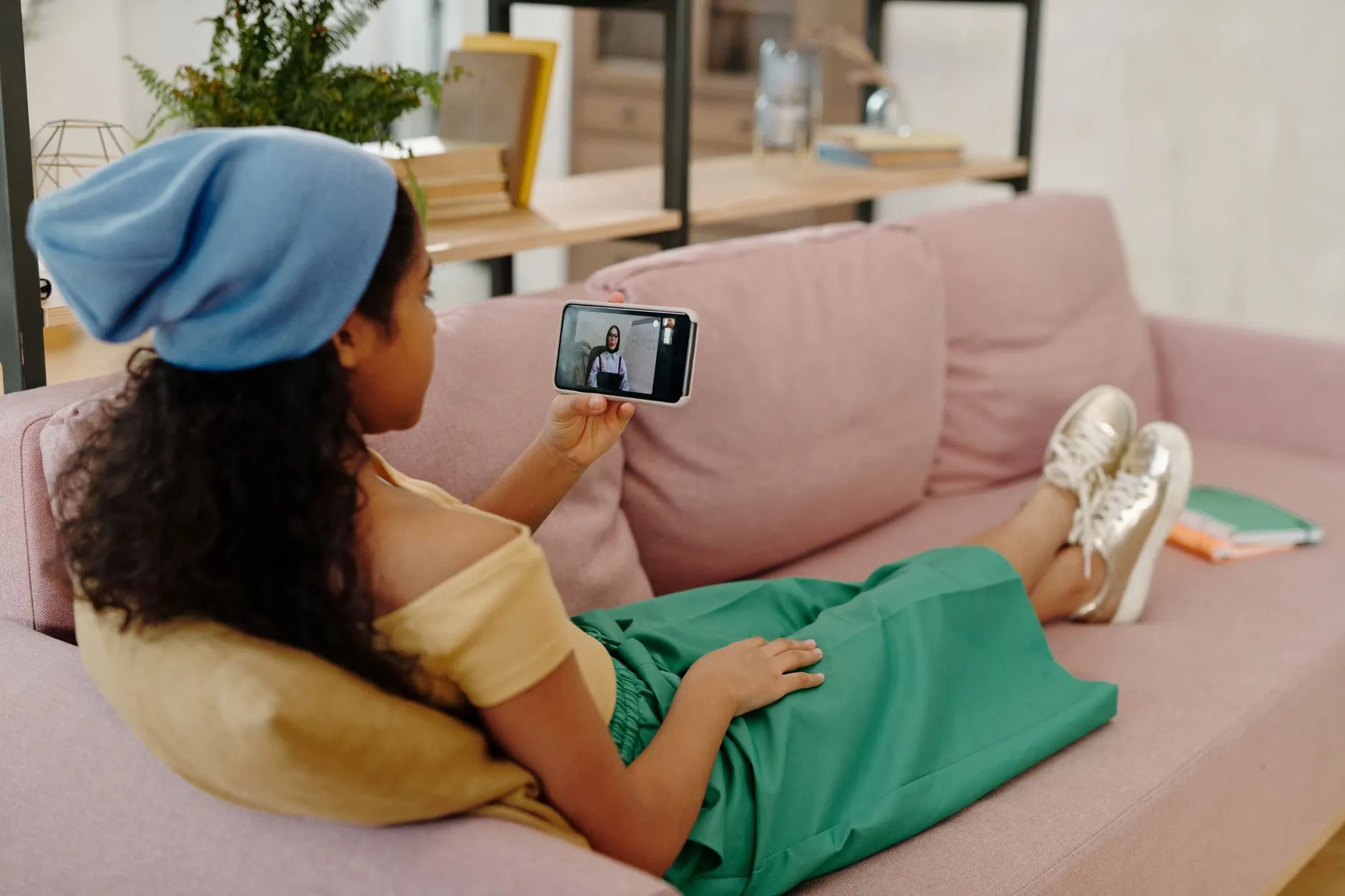
How to Save Your Phone Battery While Binge-Watching Short Dramas
Short drama apps drain your phone fast. Learn simple, practical ways to extend battery life while watching on ReelShort, DramaBox, GoodShort, or ShortMax.
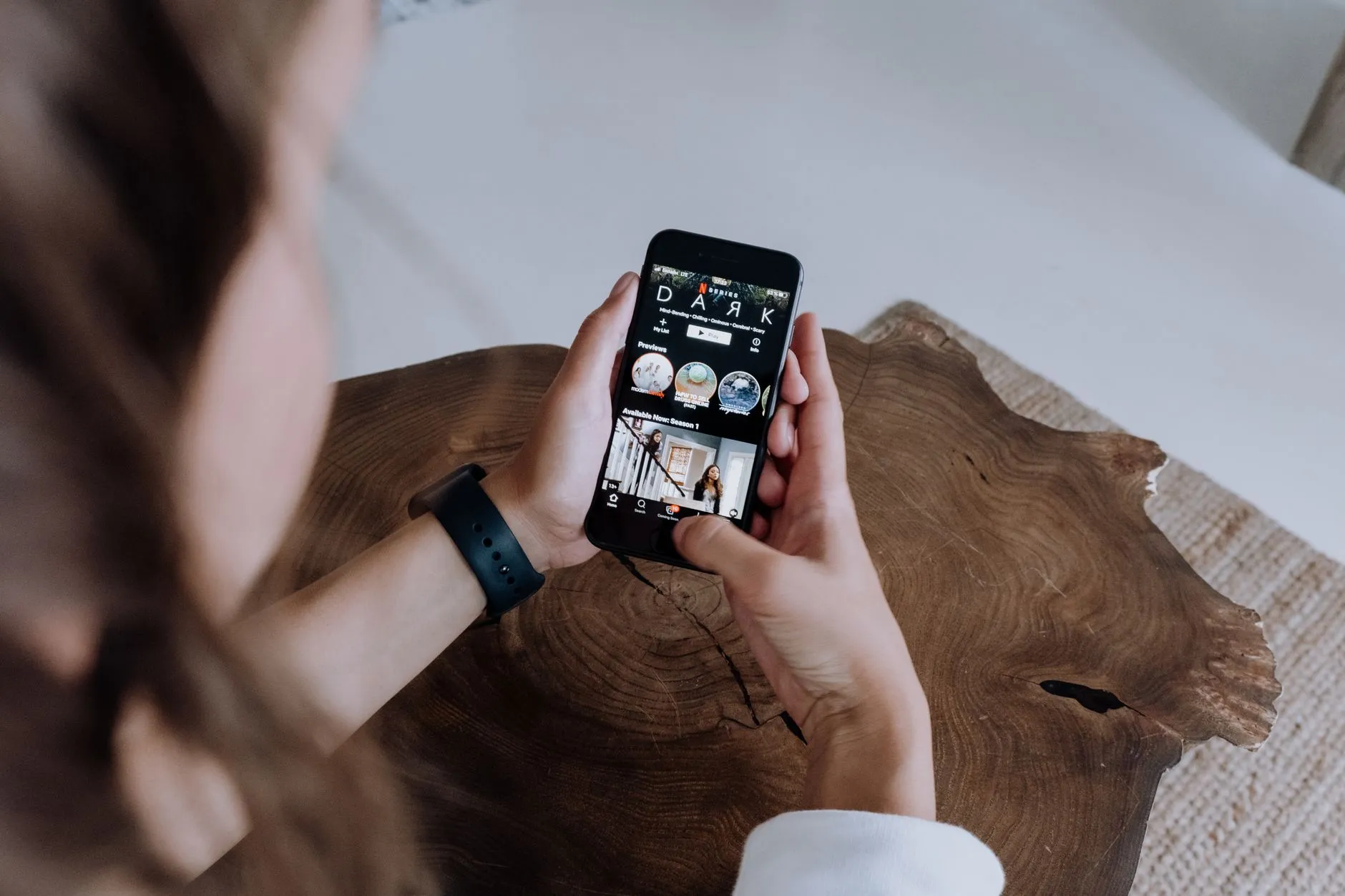
One-minute vertical episodes sound gentle on your phone. In practice, short dramas are a battery trap. You finish one episode, the next loads instantly, and before you know it you have watched forty clips back-to-back with the screen on full brightness. If your phone hits ten percent battery in the middle of a cliffhanger, that is not a coincidence — it is the format doing exactly what it was designed to do.
The good news is that a few small changes to how you watch on ReelShort, DramaBox, GoodShort, or ShortMax can stretch your battery significantly without costing you anything or making the experience worse.
Why Short Dramas Are Hard on Batteries
Standard streaming apps serve up one long video file that your phone buffers in chunks. Short drama apps work differently. Every episode is a separate file, which means your phone makes a fresh network request every sixty seconds or so. Each request wakes the processor, checks for the next clip, and starts a new decode cycle. Add the screen running at full brightness, the app refreshing its interface between episodes, and the occasional rewarded ad loading its own video player, and you have a recipe for rapid discharge.
Apps like ReelShort and DramaBox are also built to keep you engaged. Background animations, coin-balance updates, and push notifications all nibble at power even when you think you are just watching. Understanding that the format itself is engineered for continuous consumption is the first step toward watching smarter.
Quick Wins Before You Press Play
Turn the brightness down
The screen is the single biggest power draw on any smartphone. Short dramas are shot vertically with close-up faces and high-contrast lighting, so they read clearly even at moderate brightness. Drop your screen brightness to around half — or use your phone's auto-brightness if it reads the room accurately — and you can reclaim a meaningful chunk of battery without missing any detail in the picture.
Enable battery saver or low-power mode
Both Android and iPhone have a built-in low-power mode. It throttles background processes, reduces screen animations, and limits how aggressively apps refresh. Short drama apps function normally in this mode because they do not need background sync the way a social feed does. Turn it on before you start a long session rather than waiting for the battery warning.
Close other apps first
If you have a dozen apps open in the background — a map still running, a music app paused, a browser with fifteen tabs — your phone is doing extra work even though you are only watching a drama. Close everything unnecessary before you open GoodShort or ShortMax. The difference is small per app, but combined it adds up over a long session.
In-App Settings That Help
Lower the video quality
Most short drama apps let you choose a video quality setting somewhere in the playback or account settings. The default is usually set high to impress new users. A medium quality setting still looks sharp on a phone screen — the episodes are already short and shot close-up, so extreme resolution is wasted at arm's length. Lower quality means less data to decode per second, which means less processor work, which means less heat and less battery drain.
Disable autoplay if the option exists
Not every app gives you this choice, but if yours does, turning off autoplay forces you to tap before the next episode loads. That tiny pause lets the processor idle for a moment. It also makes you a more intentional watcher, which tends to mean fewer accidental hours lost to a series you were not that invested in.
Watch rewarded ads over Wi-Fi and at home
Watching a short rewarded ad to earn coins is a legitimate and free way to unlock episodes on apps like ReelShort and DramaBox — the coin system is worth understanding if you want to keep your spending in check. However, those ads load their own video player and often stream at high quality regardless of your in-app quality setting. If you are going to watch a batch of rewarded ads to stock up on coins, do it at home plugged in rather than on the go when your battery is already low.
Smarter Habits for Longer Sessions
Download episodes on Wi-Fi first
Several short drama apps allow you to download episodes while connected to Wi-Fi so you can watch offline later. Downloaded playback skips the repeated network requests that are so draining during a live streaming session. It also means you are not fighting mobile data compression, which can actually increase processor load as your phone tries to decode a degraded stream. If you know you will want to watch on a commute or somewhere with weak signal, download a block of episodes the night before while your phone is on charge.
Use a portable charger as a backstop, not a crutch
A small power bank is a practical companion for anyone who watches short dramas away from home. However, relying on it as your only strategy means you are still draining your phone fast — you are just delaying the problem. Apply the settings tips above first, and treat the power bank as backup rather than your primary solution.
Take natural breaks between series
The cliffhanger-every-episode format is deliberately designed to pull you from one series into the next. If you enjoy slow-burn romance series or the high-stakes tension of revenge dramas, you already know how easy it is to watch far more than you planned. Finishing one series and pausing for a few minutes before starting another gives your phone a chance to cool down. Heat accelerates battery degradation over time, so a short rest is genuinely good for the hardware.
A Note on Watching on Other Devices
If battery life is a persistent frustration, it is worth knowing that short drama apps are not limited to your phone. Watching on a PC removes the battery problem entirely. You still get the same vertical format, the same coin system, and the same free opening episodes — you are just not draining a phone to do it. Some viewers keep their phone for casual on-the-go watching and switch to a laptop or desktop for longer sessions at home.
Smart TVs are another option for home viewing if your app supports it, though the vertical format does look different on a wide screen.
Staying Safe While Watching
One last thing worth mentioning: if you ever see a third-party website promising a battery-friendly version of ReelShort, DramaBox, GoodShort, or ShortMax — especially one that asks you to download a file from outside the official app store — do not install it. Modified app versions are not affiliated with any of these platforms, are not safe, and are not a legitimate way to watch. Stick to the official apps from the Google Play Store or Apple App Store. All the tips in this article work with the real, official apps and require no downloads or workarounds of any kind.
The Bottom Line
Short drama apps are built for engagement, and that engagement has a cost in battery life. The episodes are short, the autoplay is aggressive, and the screen stays bright by default. But none of that is fixed. Lower your brightness, drop the video quality one notch, download episodes when you can, and close background apps before you start. Those four changes alone can meaningfully extend how long you can watch before reaching for a charger. The stories will still be just as addictive — your phone will just last long enough to find out what happens.

Maya Reyes
Covers the short-drama catalogs week by week — what is trending on ReelShort and DramaBox, and which series are worth an evening.