How to Watch Short Dramas on a Smart TV: Your Complete Guide
Want short dramas on the big screen? Here is how to get ReelShort, DramaBox, GoodShort and ShortMax onto your smart TV today.

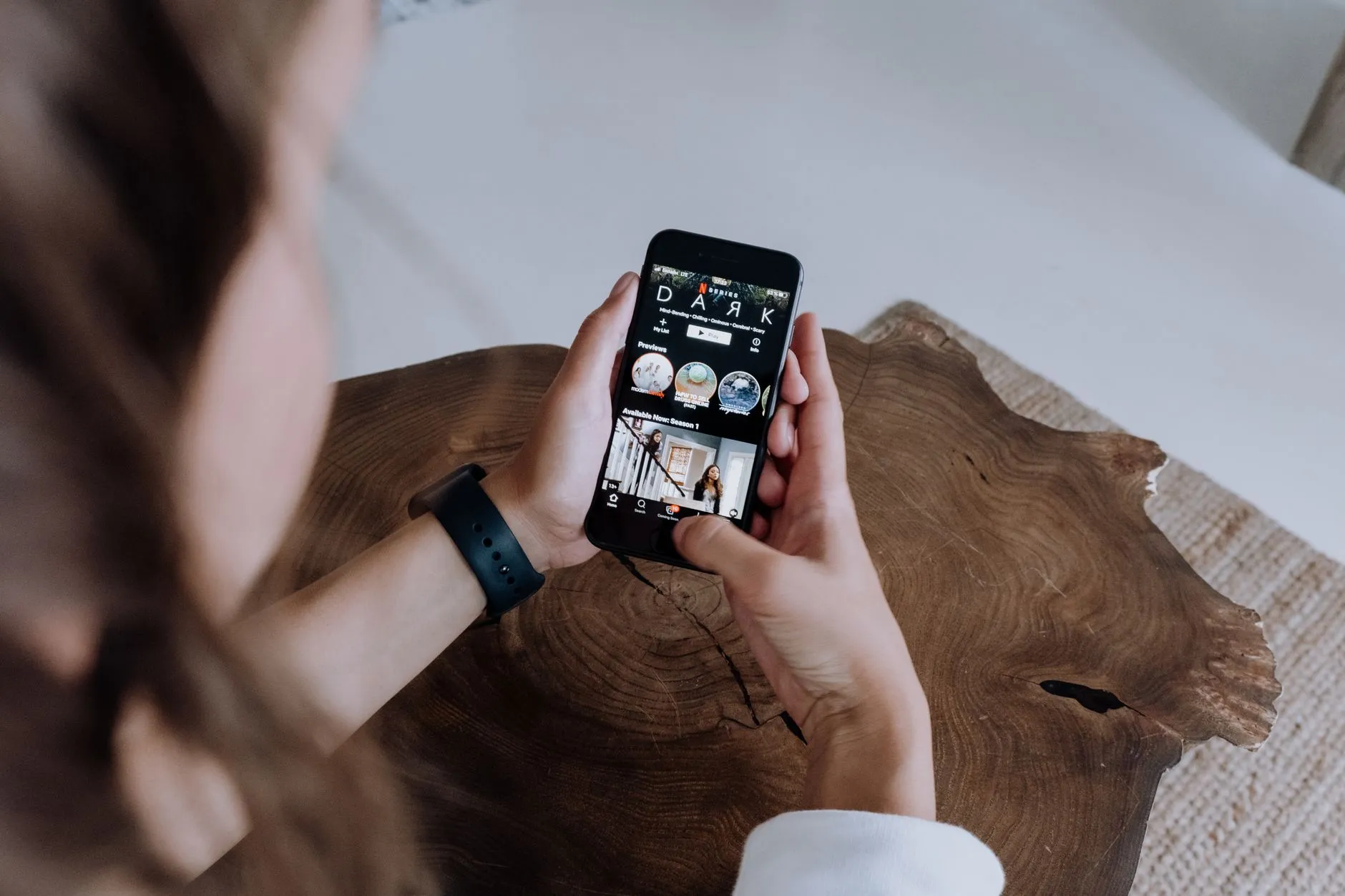
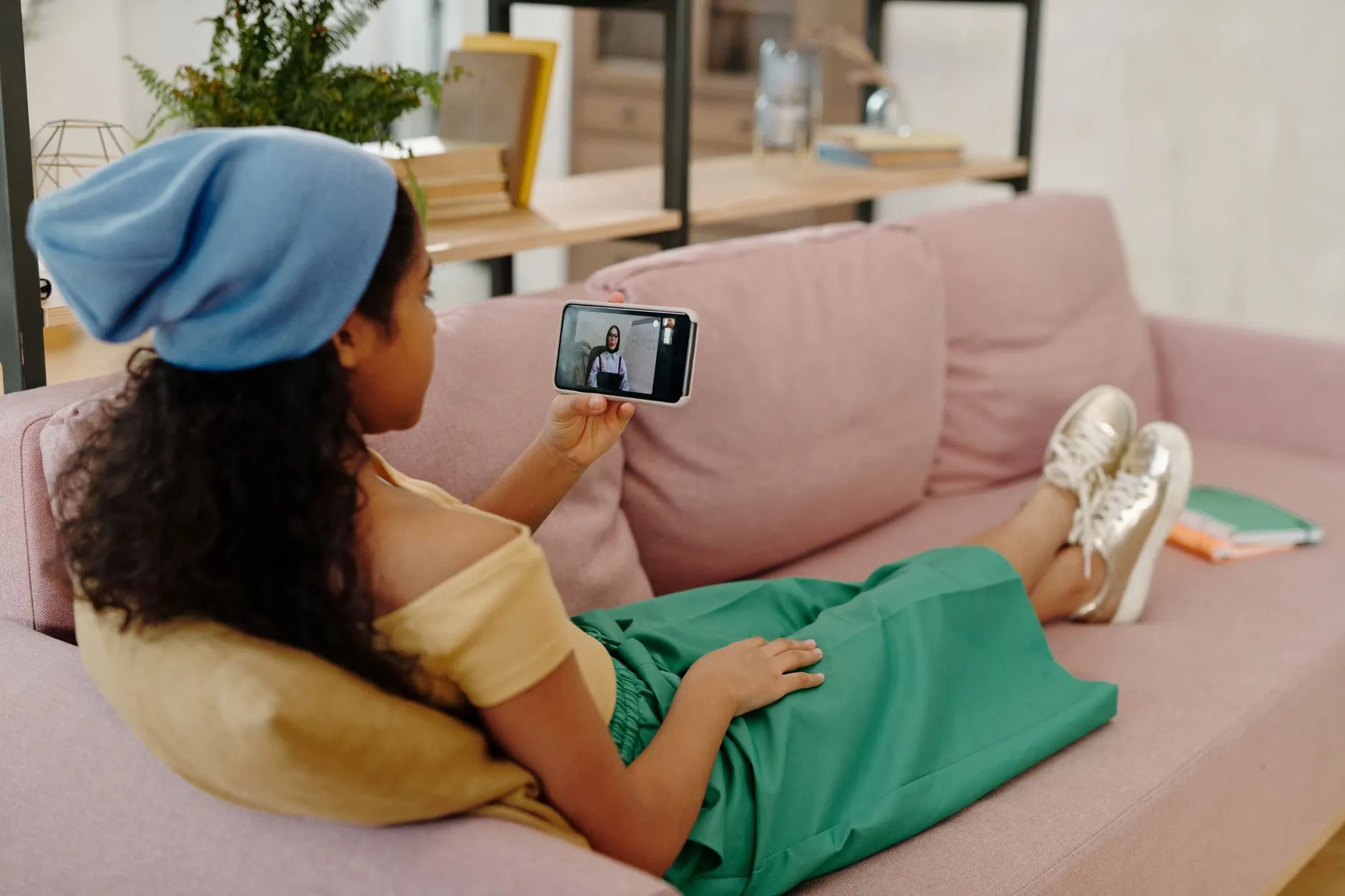
Short dramas were built for the phone. Vertical video, one-minute episodes, a cliffhanger every thirty seconds — it all makes sense on a screen you hold in your hand. But once you are hooked on a series, the idea of watching on a bigger display becomes very appealing. The good news is that getting ReelShort, DramaBox, GoodShort or ShortMax onto your smart TV is completely doable. The method depends on the TV you own, so this guide walks through every realistic route.
Why Short Dramas on a TV Is a Bit Different
Before diving into the how, it helps to understand one quirk of the format. Short drama episodes are shot and encoded in a tall, narrow 9:16 ratio — the same as a TikTok or Instagram Reel. Your TV is a wide 16:9 rectangle. That means the video will appear as a tall strip in the centre of the screen, with black bars on either side. Some apps let you pinch-zoom or choose a fill option; others do not. Either way, the picture is clear and the experience is perfectly watchable — you just will not fill every pixel of a 65-inch display.
With that expectation set, here are your four main routes to the big screen.
Option 1: Cast From Your Phone (Quickest Start)
If your TV supports Chromecast — either built in or via a Chromecast dongle — and your phone is on the same Wi-Fi network, you can cast your phone screen directly to the TV in under a minute.
How to cast on Android
Pull down your notification shade and look for a tile labelled Cast, Screen Cast or Smart View (Samsung). Tap it, select your TV from the list, and your phone display mirrors live to the big screen. Open whichever short drama app you prefer and press play. Everything you see on your phone — including the free episodes and any coins you spend — appears on the TV instantly.
How to cast on iPhone or iPad
On Apple devices, the equivalent feature is AirPlay. Swipe into Control Centre, tap the Screen Mirroring icon and choose your Apple TV or AirPlay-compatible smart TV. The short drama app plays on your phone and streams to the TV simultaneously. Note that AirPlay requires an Apple TV box or a TV that advertises AirPlay 2 support — check your TV's settings menu if you are unsure.
Casting is the fastest option and requires zero extra downloads on the TV side. The only downside is that your phone must stay active and on the same network the whole time you are watching.
Option 2: Use an Android TV, Google TV or Fire TV Device
If your TV runs Android TV or Google TV — common on Sony, Philips and many budget brands — or if you have a Fire TV Stick plugged in, you have access to the Google Play Store or Amazon Appstore respectively. This is the closest experience to using the app natively.
Android TV and Google TV
Open the Play Store on your TV and search for the app by name. ReelShort and DramaBox are currently available on the Play Store and install just like any other app. GoodShort and ShortMax may or may not be listed depending on when you check, so search for each individually. Once installed, sign in with the same account you use on your phone and your coin balance, purchase history and watch progress carry over automatically.
Amazon Fire TV
The Fire TV Stick runs a modified version of Android, and its Appstore carries a selection of short drama apps. Search the Appstore first. If an app you want is not listed, Fire TV also supports sideloading through the Downloader app — but be cautious: only install official APK files from the app developer's own website, and never use third-party mirrors or modified versions that promise free coins or unlocked episodes. Those are not legitimate and can compromise your device or your account.
Option 3: Use a Roku Device
Roku is one of the most popular streaming sticks in the United States, and its channel store has grown to include short drama content. Search the Roku Channel Store for ReelShort, DramaBox or the others. Availability shifts over time as developers publish and update their channels, so it is worth checking even if you tried once before and came up empty. When a native Roku channel exists, it is the tidiest TV experience — a proper remote-friendly interface designed for a couch distance.
Option 4: HDMI Cable From a Laptop or PC
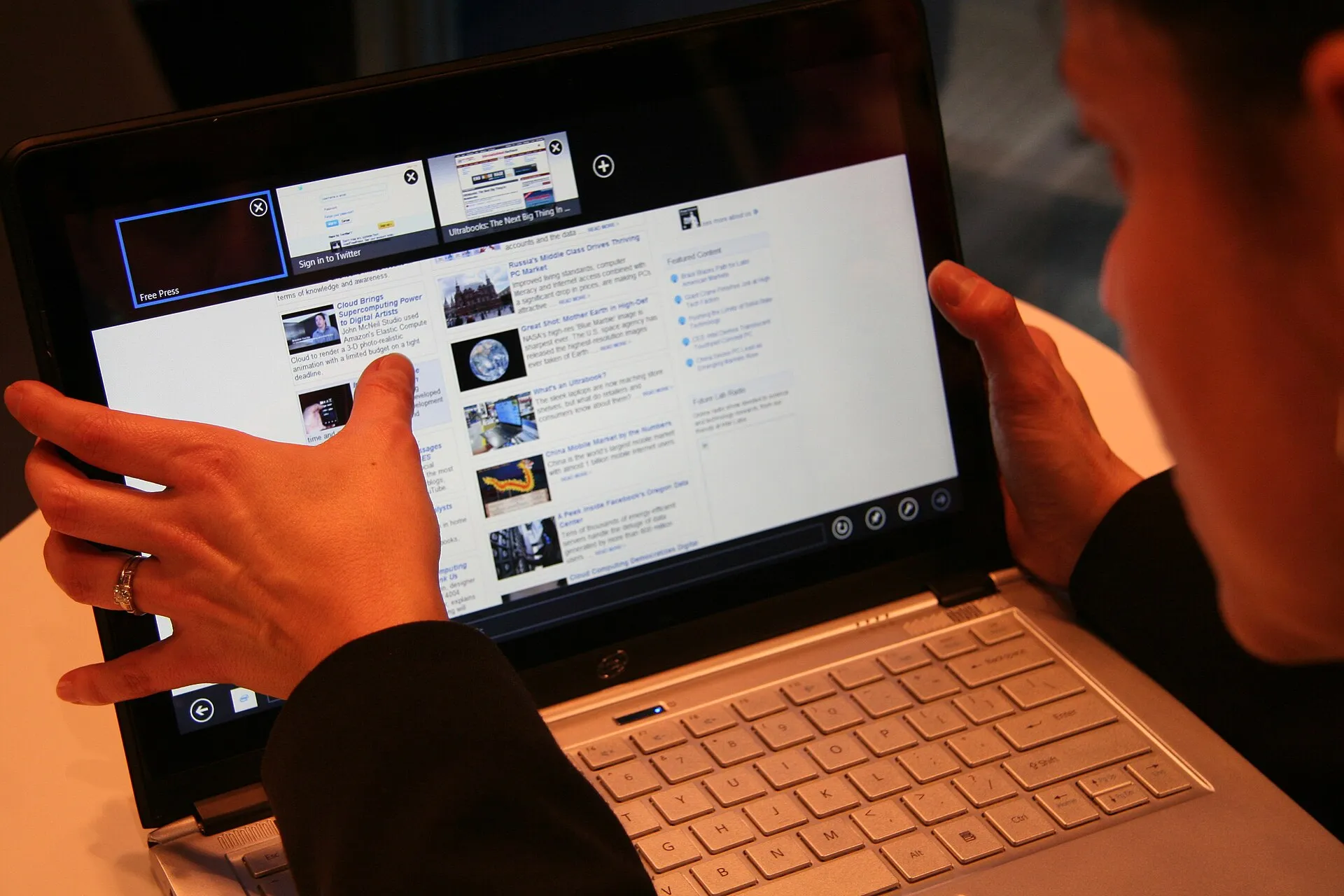
If none of the above suits your setup, a simple HDMI cable from a laptop to the TV works reliably. Run the short drama app inside a browser or through the desktop app if one exists, set the TV as your display in your operating system's display settings, and go full screen. This is essentially the PC-watching method extended to a bigger monitor. For a deeper look at using a computer for short dramas generally, see our guide on how to watch short dramas on your PC.
Do Free Episodes and Coins Work the Same on TV?
Yes. The apps do not change their business model based on the screen you are watching on. The opening episodes of most series are free regardless of device. Later episodes unlock with coins, which you either buy inside the app or earn by watching a short rewarded ad — exactly the same mechanic mobile games use. You are never charged without choosing to spend coins or subscribe. Your coin balance is tied to your account, not your device, so coins bought on your phone are available when you log in on the TV app and vice versa.
If you are new to how coins and free episodes interact, our explainer on how the coin system works on short drama apps covers it thoroughly before you spend anything.
A Note on Safety
Because short drama apps are relatively new, some scam pages imitate them. Any site that asks you to pay an outside unlock fee, send a gift card or make a bank transfer to access episodes is not affiliated with any of these apps. Legitimate purchases happen entirely inside the official app through your phone's app store payment system or the TV platform's own payment flow. Stick to the official apps and you will never encounter that kind of request.
Which Genres Look Best on the Big Screen?
Honestly, any series you are enjoying on your phone will translate to TV. That said, high-stakes action and drama — the kind with elaborate sets, dramatic lighting or a wolf transformation scene — benefit most from a larger display. If you are looking for recommendations before you settle in, our guides on the best supernatural short drama series and the best revenge short drama series are good places to start. Both genres are packed with visual moments that reward a bigger screen.
Quick Troubleshooting Tips
Video looks blurry when casting
This usually means the Wi-Fi signal between your phone and TV is weak. Move your router closer, switch both devices to the 5 GHz band if your router supports it, or try a wired HDMI connection instead.
Audio plays on the TV but the screen stays black
Some apps use DRM (digital rights management) that blocks screen mirroring of paid content as a copyright protection measure. If this happens, try the native TV app route instead of casting, or use an HDMI cable from a computer where the app runs in a browser.
The app is not in the TV's app store
App store availability changes regularly as developers expand their platforms. Check for updates, or fall back to casting from your phone — it works with any app that is already on your phone regardless of whether a TV version exists.
The Bottom Line
Getting short dramas onto your smart TV is genuinely straightforward once you know which route matches your setup. Casting from a phone takes under a minute and works everywhere. A native app on Android TV, Google TV, Fire TV or Roku gives you the most polished couch experience. And an HDMI cable is always there as a reliable backup. The free episodes, coin system and your watch history follow you across every screen, so there is nothing to lose by trying the big-screen experience tonight.

Sofia Klein
Writes about genres — romance, revenge, werewolf and workplace drama — and how the same story beats travel across platforms.